| Version 6 (modified by , 16 years ago) ( diff ) |
|---|
Languages:
Create Areas By Extrusion
 Keyboard shortcut:
 X
Replaces the section of a Way between two nodes and replaces it with three line segments, one of which is parallel to the original, and two at right angles (which also requires two additional nodes).
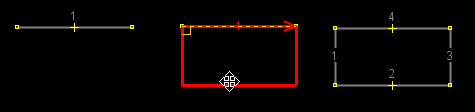
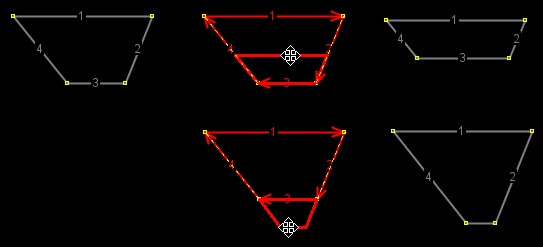
Press the "Create Areas" mode button (or the X shortcut), then drag a line segment. It will move at right angles to its original position, connecting to it with two additional segments.
- If you start with just a single line segment, you will get a rectangle.
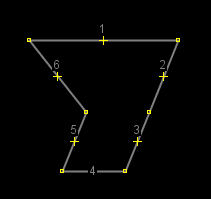
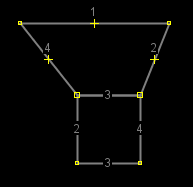
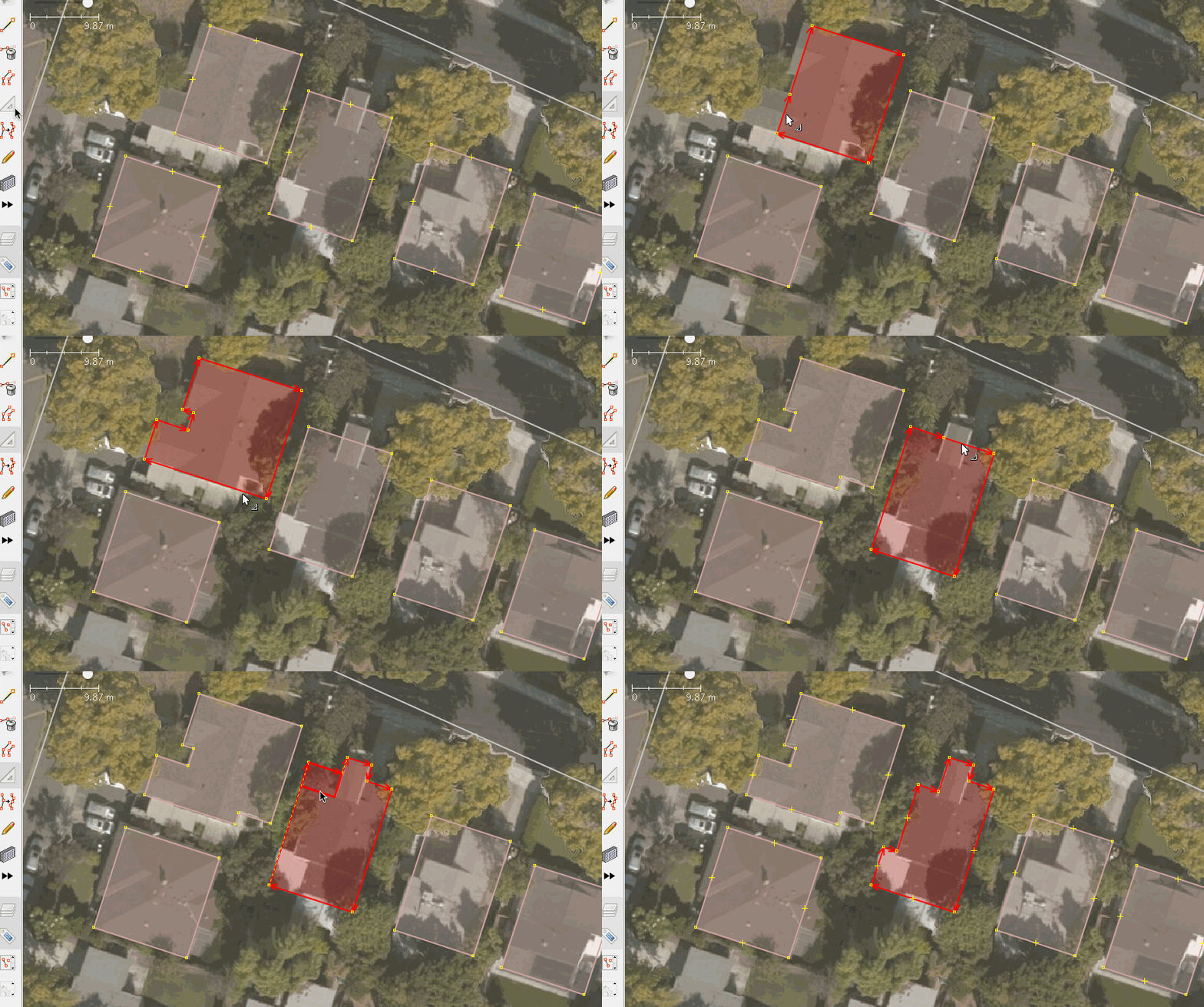
- If you start with an area, you will tack on a rectangular protrusion to the area.
Back to Edit Toolbar
Back to Main Help
Attachments (12)
- BasicExtrudes.png (20.3 KB ) - added by 13 years ago.
- LineExtrude.png (1.6 KB ) - added by 13 years ago.
- MoveNode.png (9.1 KB ) - added by 13 years ago.
- Shift.png (3.6 KB ) - added by 13 years ago.
- Alt.png (3.1 KB ) - added by 13 years ago.
- Ctrl.png (20.0 KB ) - added by 13 years ago.
-
IgnoreSharedNodes-enabled.png
(10.3 KB
) - added by 12 years ago.
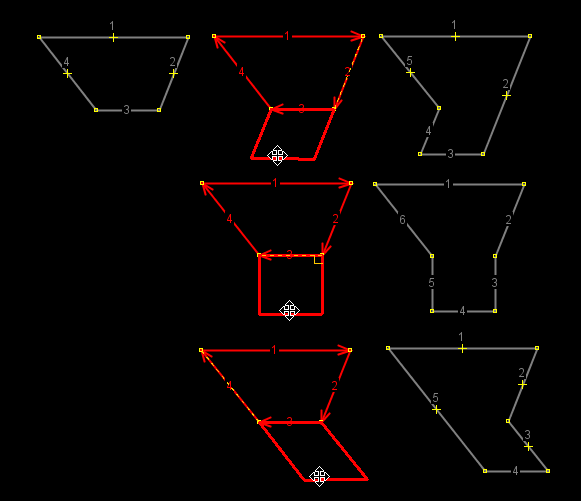
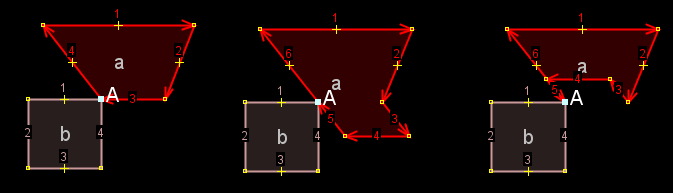
Ignore shared nodes enabled 1. original, 2. extrude from 1 downwards, 3. extrude from 1 upwards
-
IgnoreSharedNodes-disabled.png
(10.4 KB
) - added by 12 years ago.
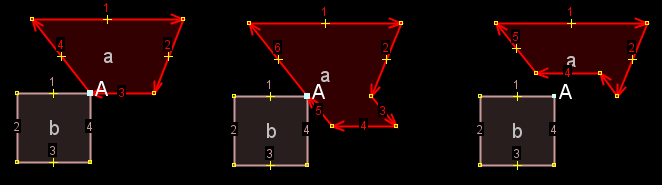
Ignore shared nodes disabled 1. original, 2. extrude from 1 downwards, 3. extrude from 1 upwards
- DualAlign.png (10.2 KB ) - added by 12 years ago.
-
x_ctrl_leftmouse_drag.png
(616 bytes
) - added by 11 years ago.
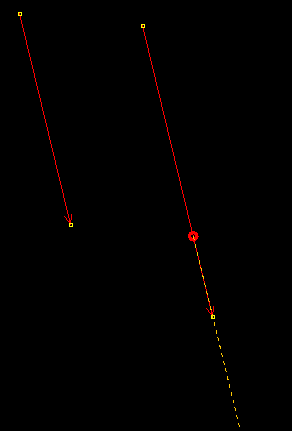
you can also use this mode to extend or shink a line
-
extrude-simple-mode-buildings.gif
(842.9 KB
) - added by 11 years ago.
https://github.com/mapbox/mapping/wiki/Advanced-mapping-guide#buildings https://github.com/mapbox/mapping/issues/162
- extrude-used-on-node.gif (61.6 KB ) - added by 11 years ago.
Download all attachments as: .zip
Note:
See TracWiki
for help on using the wiki.