| Version 20 (modified by , 12 years ago) ( diff ) |
|---|
Languages:
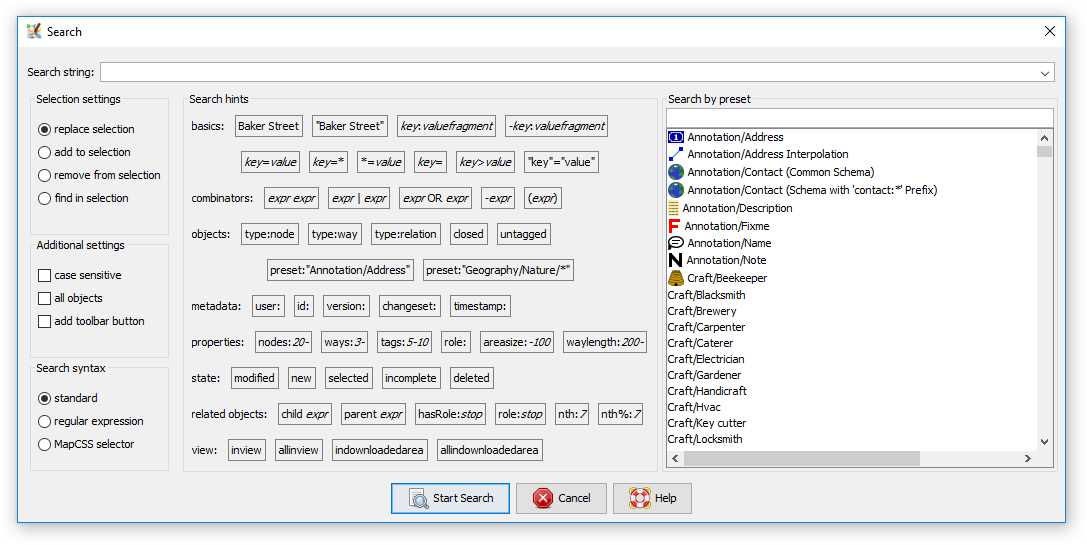
Search
 Keyboard shortcut:
 Ctrl+F
Search objects in the current data layer

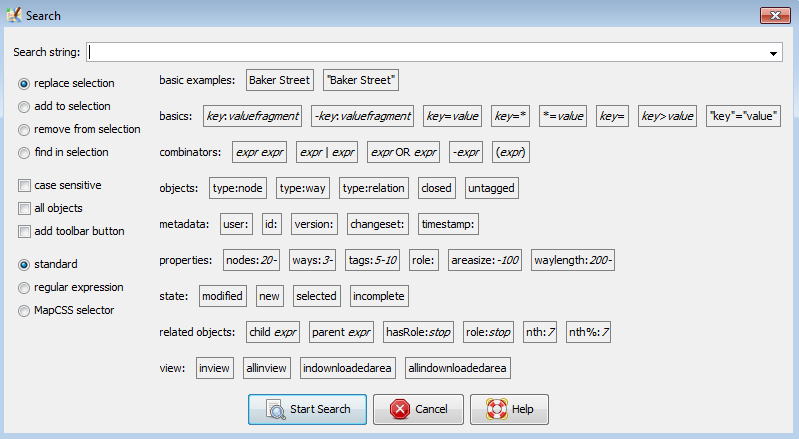
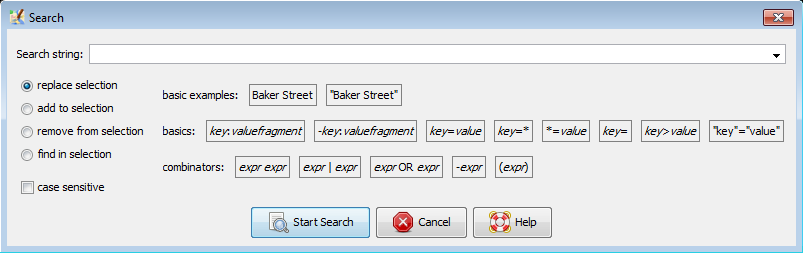
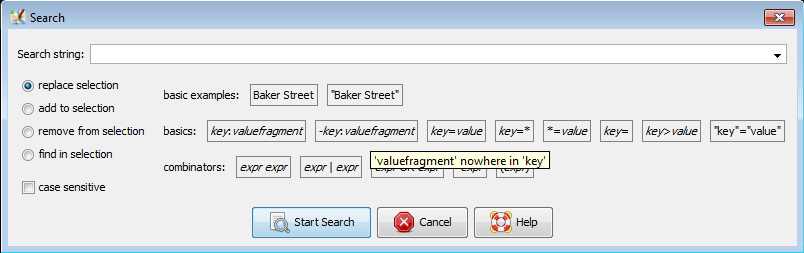
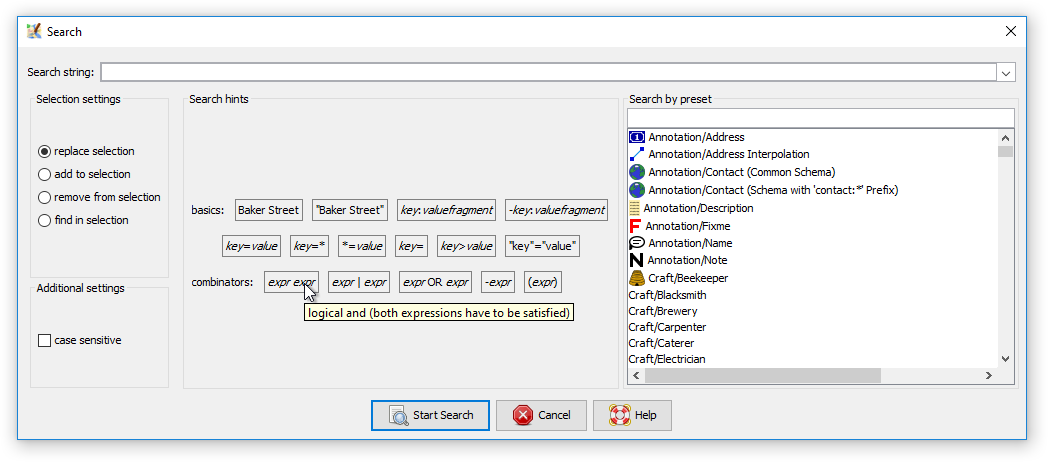
You need to choose one of the search and select modes:
- replace selection
- add to selection
- remove from selection
- find in selection
If you check add toolbar button, as soon as you click on
Start Search, a button will be added to the Main Toolbar which will execute the defined search expression each time, you press the button. You can also set an own icon for this button in the Advanced Preferences.
Some examples of queries:
type:wayselects all waysname:Herrengasseselects all elements with the given namename=Herrengassesame as above, but case sensitive"name"="Herrengasse"same as above, but works also with special characters like white spaces in the valuetype:way name:-selects all ways that do not have a nameid:123465678selects an object (way or node) with a particular idtimestamp:2010-11-01/2010-12-01selects object with last change in November 2010
There is also a very under-used and under-documented feature that lets you enter a web URL (file://, http://, https://, ftp://)
in the search field. JOSM will then attempt to load that URL, and select any objects that it finds referenced in that file. JOSM will
look for XML tags "way", "node", and "relation" in the document, and use their id attribute. This means you can
access another OSM file on your hard disk this way and have JOSM select all objects that are present in the file (provided they are present in JOSM's dataset too).
The special expressions selected and modified select all currently selected resp. all objects modified in the current session.
More examples are here
Expert Mode
Some examples are only shown in expert mode.
Regular Expressions
JOSM supports Java Regex. For detailed Information see http://docs.oracle.com/javase/7/docs/api/java/util/regex/Pattern.html
See also
Attachments (5)
- 9229-search-expert-true.png (30.6 KB ) - added by 11 years ago.
- 9229-search-expert-false.png (18.8 KB ) - added by 11 years ago.
- 9229-search-expert-false-with-tooltip.png (17.4 KB ) - added by 11 years ago.
- Search.png (32.8 KB ) - added by 9 years ago.
- Search_expert.png (44.8 KB ) - added by 9 years ago.
Download all attachments as: .zip