| Version 45 (modified by , 5 years ago) ( diff ) |
|---|
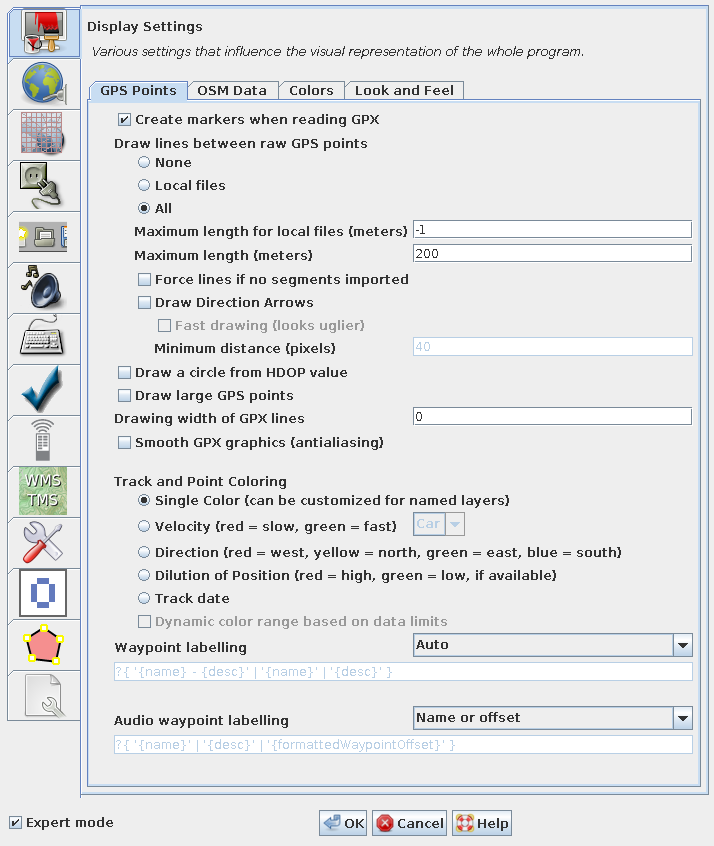
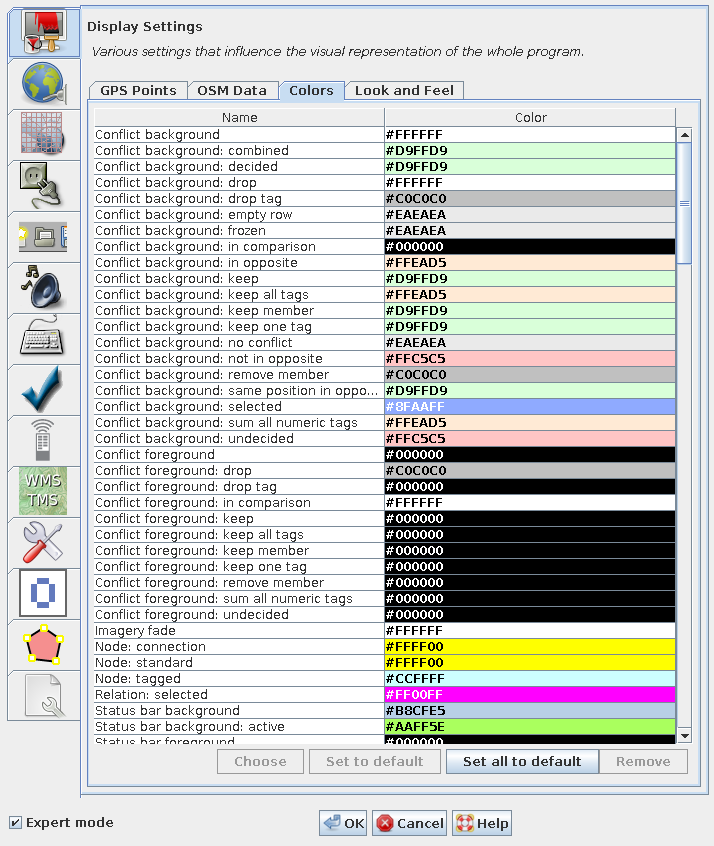
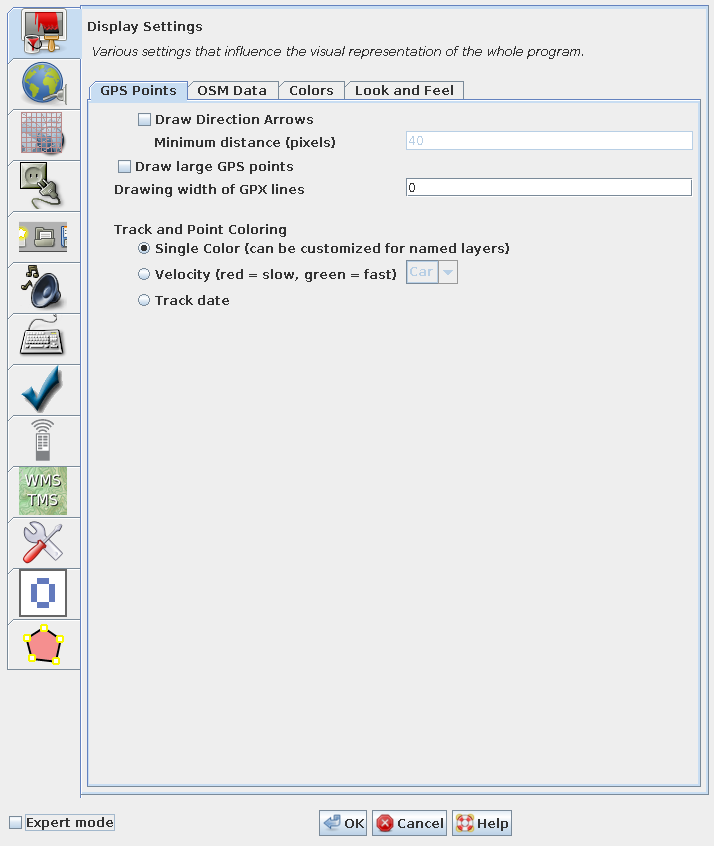
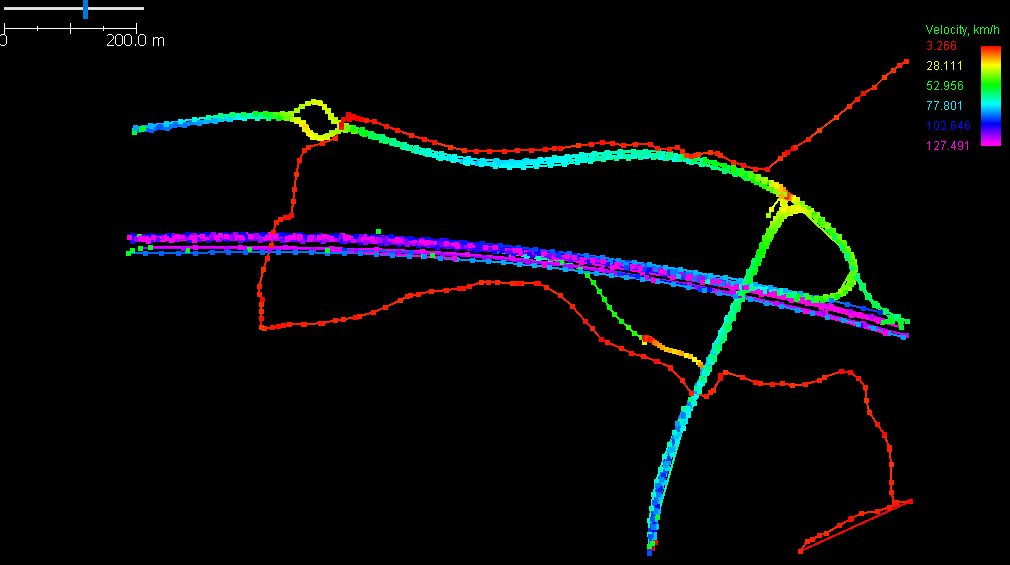
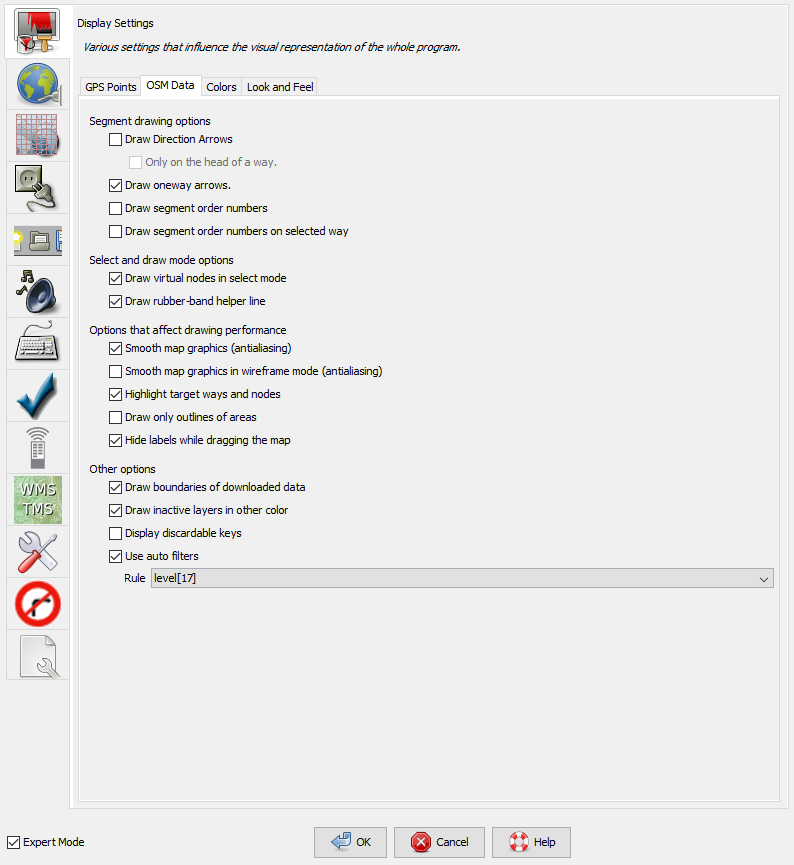
Screenshot is outdated. Page was split into several pages but some links are still incorrectly leading to this page.
Languages:
Preferences > Display
Table of Content

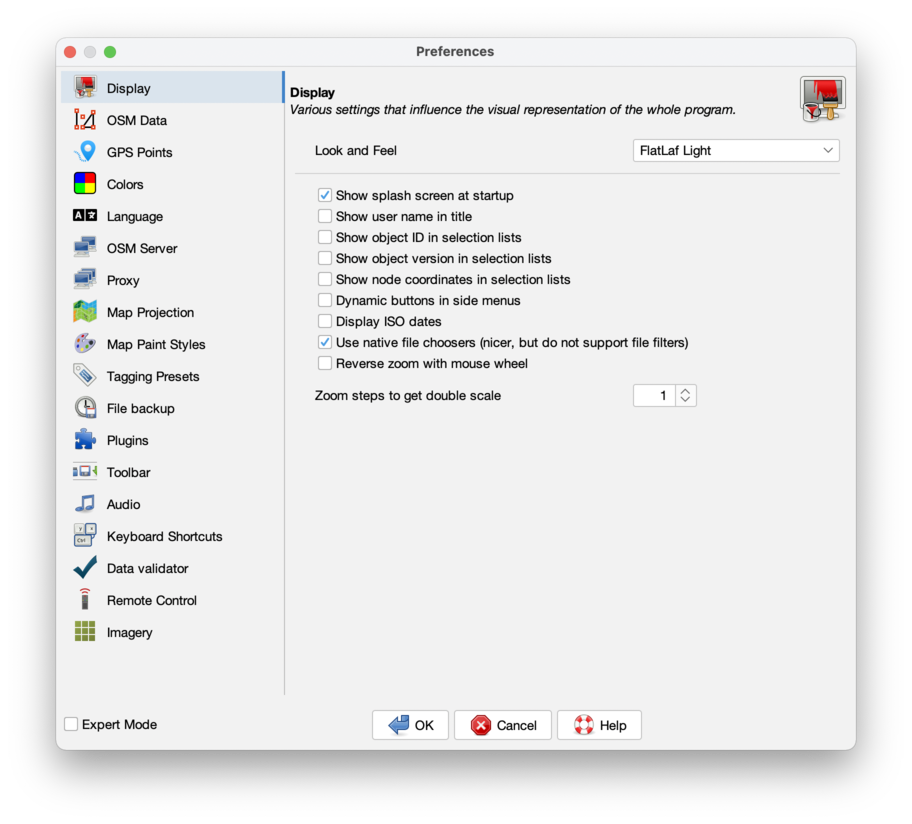
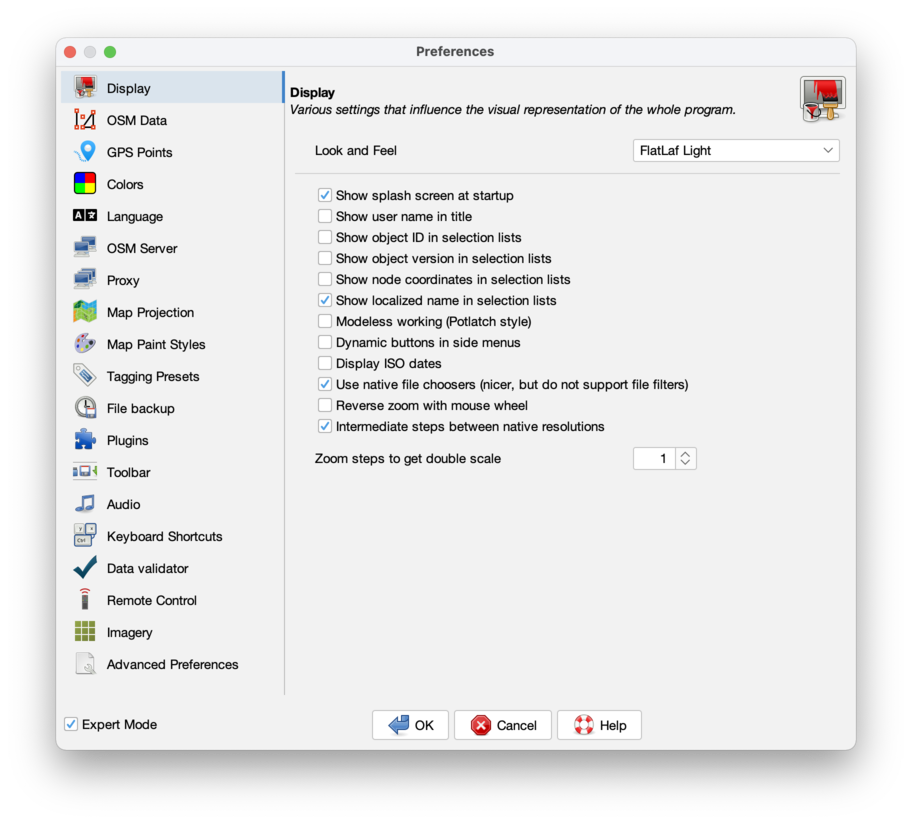
Various settings that influence the visual representation of the whole program.
Some settings are only displayed in expert mode.
- Look and Feel
-
You can choose the overall theme, the default options are:
Metal,Nimbus,CDE / Motif,GTK+,Windows,Windows Classic. Via the plugin FlatLaf more options are available including dark modes (since JOSM version 16974).
Advance preference:laf
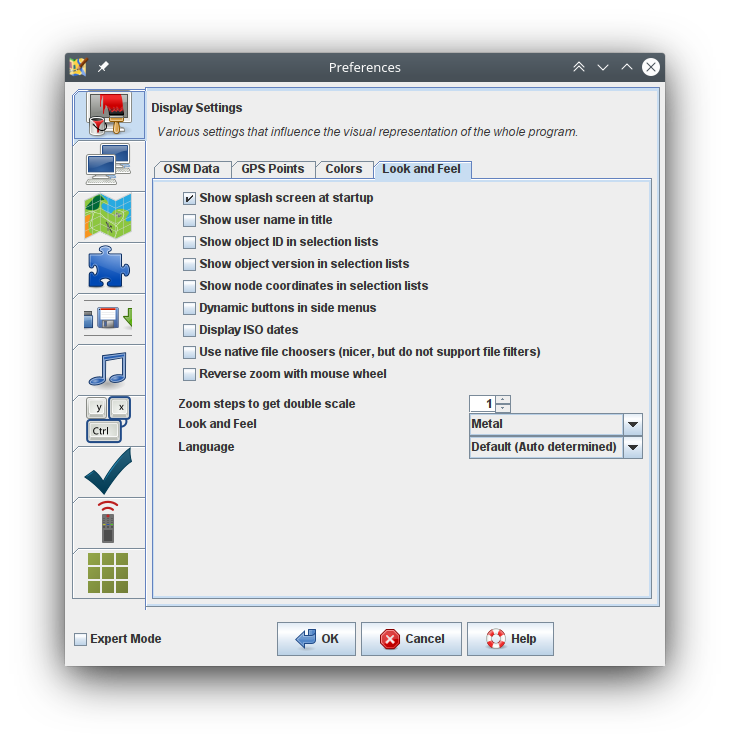
- Show splash screen at startup
-
The splash screen shows the loading of the modules and plugins when JOSM starts up.
Advance preference:draw.splashscreen
When ready, JOSM shows an informative welcome page with current news. This Startup page cannot be suppressed.
- Show user name in title
-
A name entered in the Connection Settings is displayed in the Title bar above the Main menu.
Advance preference:draw.show-user
- Show object ID in selection lists
-
Additional to an objects name its unique id is shown in lists of objects.
Advance preference:osm-primitives.showid
- Show object version in selection lists
-
Additionally the objects version number is shown in lists of objects like the Selection panel.
Advance preference:osm-primitives.showversion
- Show node coordinates in selection lists
-
Additionally shows for nodes their coordinates.
Advance preference:osm-primitives.showcoor
- Show localized name in selection lists
-
Show localized name in selection lists, if available. (Expert mode only)
Advance preference:osm-primitives.localize-name
- Modeless working (Potlatch style)
-
Do not require to switch modes (potlatch style workflow). (Expert mode only)
This option modifies the click behavior when editing. It transits between modes in a more automatic way, similar to the online flash editor Potlatch.
Advance preference:modeless
- Dynamic buttons in side menus
-
Display buttons in right side menus only when mouse is inside the element.
Advance preference:dialog.dynamic.buttons
- Display ISO dates
-
Format dates according to ISO 8601. Today's date will be displayed as YYYY-MM-DD instead of your local date format.
Advance preference:iso.dates
- Use native file choosers (nicer, but do not support file filters)
-
Use file choosers that behave more like native ones. They look nicer but do not support some features like file filters.
Advance preference:use.native.file.dialog
- Reverse zoom with mouse wheel
-
Check if you feel opposite direction more convenient.
Advance preference:zoom.reverse-wheel
- Intermediate steps between native resolutions
-
Divide intervals between native resolution levels to smaller steps if they are much larger than zoom ratio. (Expert mode only)
Advance preference:zoom.intermediate-steps
- Zoom steps to get double scale
-
Higher value means more steps needed, therefore zoom steps will be smaller.
Advance preference:zoom.ratio
Additional Tabs
Additional tabs may be added by Plugins.
Back to Preferences
Back to Filter panel
Back to Edit Help
Back to Main Menu
Back to Main Help
Attachments (8)
- gps-points.png (77.5 KB ) - added by 10 years ago.
- colors.png (88.2 KB ) - added by 10 years ago.
- gps-points-no-expert.png (62.3 KB ) - added by 10 years ago.
- velocity.png (17.7 KB ) - added by 9 years ago.
- osm-data.png (66.0 KB ) - added by 8 years ago.
-
look-and-feel.png
(90.5 KB
) - added by 6 years ago.
Tab "Look and Feel" of preferences "Display Settings"
-
PreferencesDisplay.png
(168.5 KB
) - added by 5 years ago.
new screenshot
-
PreferencesDisplayExpert.png
(155.3 KB
) - added by 5 years ago.
new expert mode screenshot
Download all attachments as: .zip
Note:
See TracWiki
for help on using the wiki.