| Version 3 (modified by , 11 years ago) ( diff ) |
|---|
Languages:
| Applies to | Description | Relevant keys in Advanced Preferences |
| Toggle Dialogs | By clicking on the heading you can switch between "Always shown", "Dynamic", "Always hidden" so that "buttons" at the bottom of the dialog in question will be hidden/displayed. Settings save per each panel independently. | ends with .buttonhiding |
| Toggle Dialogs | By clicking on arrow in heading of the panel you will toggle it minified state. Settings save per each panel independently. | ends with .minimized |
| Toggle Dialogs | By clicking on pin icon in heading of the panel you will make floating window. In order to pin each window back to its place you have to close this window. Settings save per each panel independently. | ends with .docked |
(please insert josm-screen-commented2.png here)
See also
- Shortcuts contain section "interface and appearance"
Attachments (3)
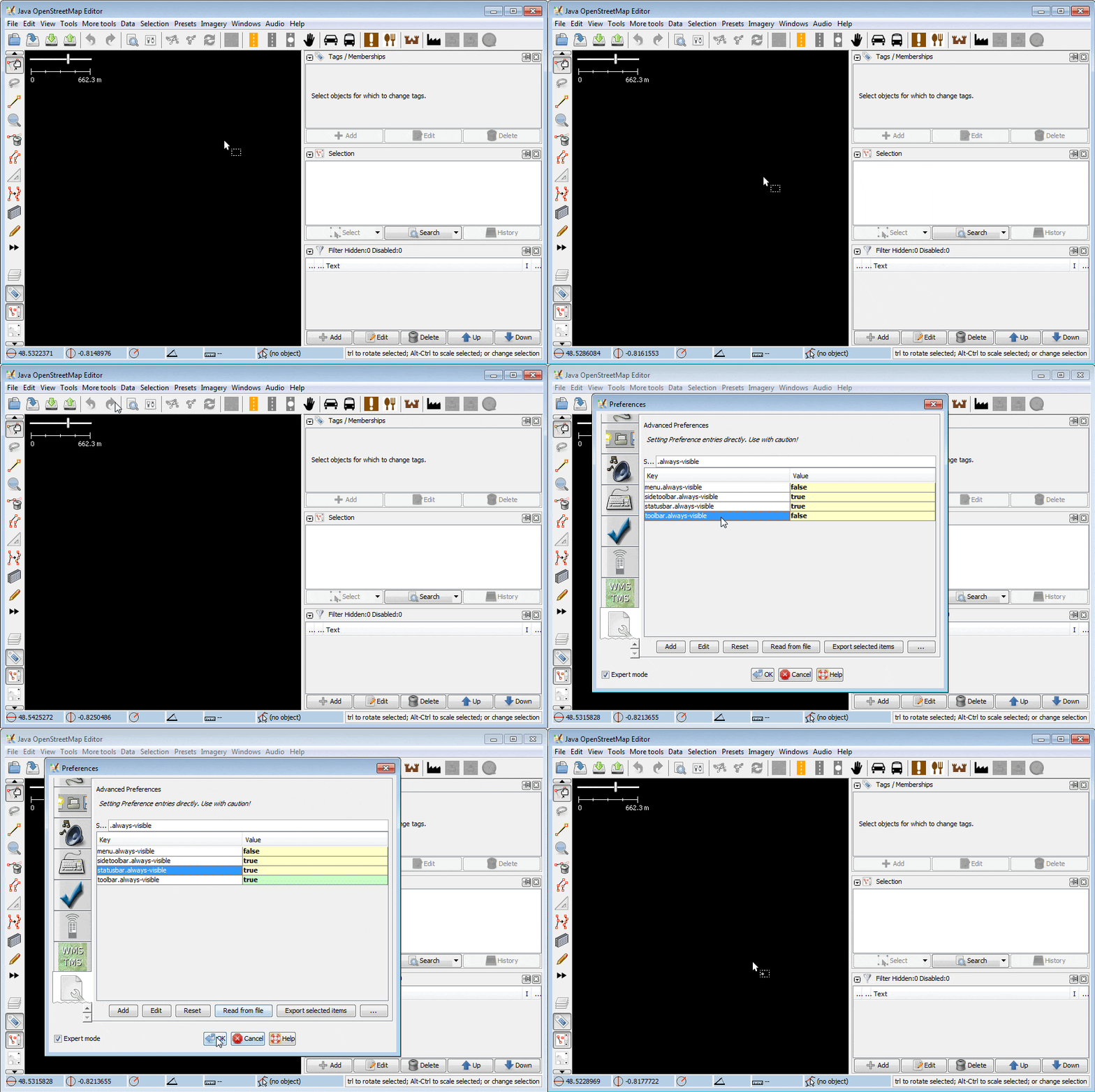
- toolbar-do-not-hide-option-utilizes-two-keys-not-one.gif (590.5 KB ) - added by 10 years ago.
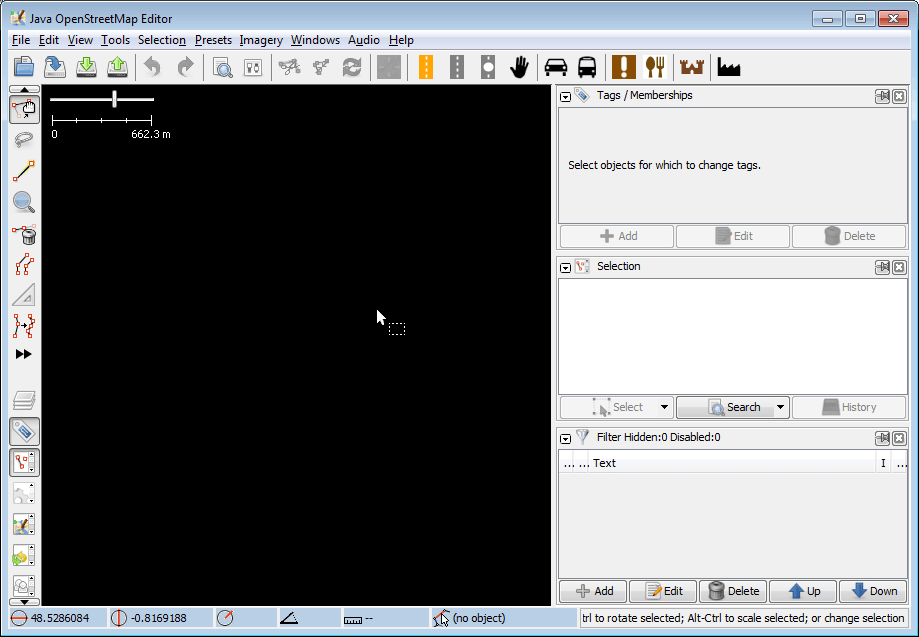
- default-interface-10025.png (23.5 KB ) - added by 10 years ago.
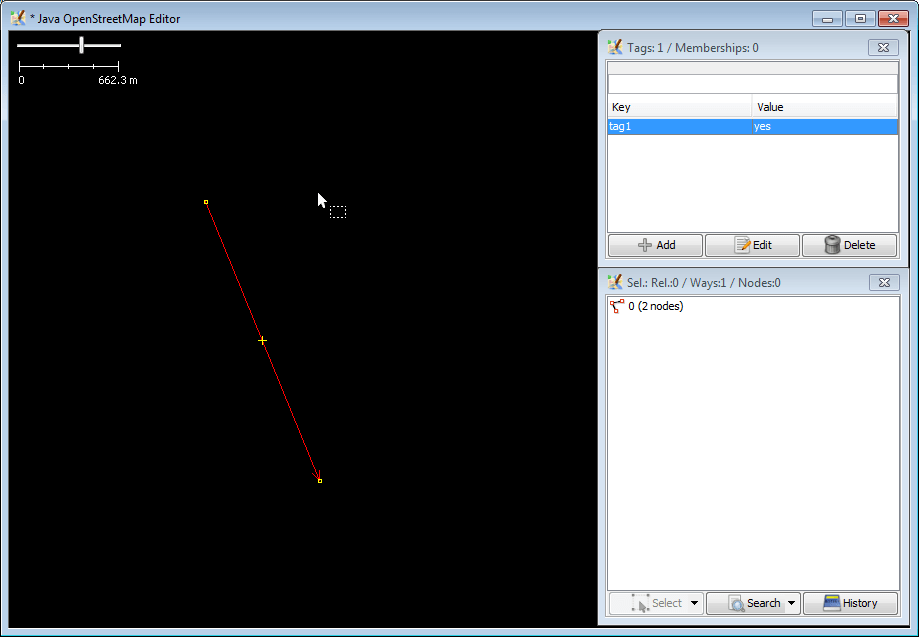
- minimal-ui.png (11.5 KB ) - added by 10 years ago.
Download all attachments as: .zip
Note:
See TracWiki
for help on using the wiki.