| Version 16 (modified by , 12 years ago) ( diff ) |
|---|
The descrption of the history browser needs an update
Languages:
View > History
 Keyboard shortcut:
 Ctrl+H
Display history infomation about OSM nodes, ways or relations in the history browser.
For each selected object a seperate window will open.
Working with the history browser

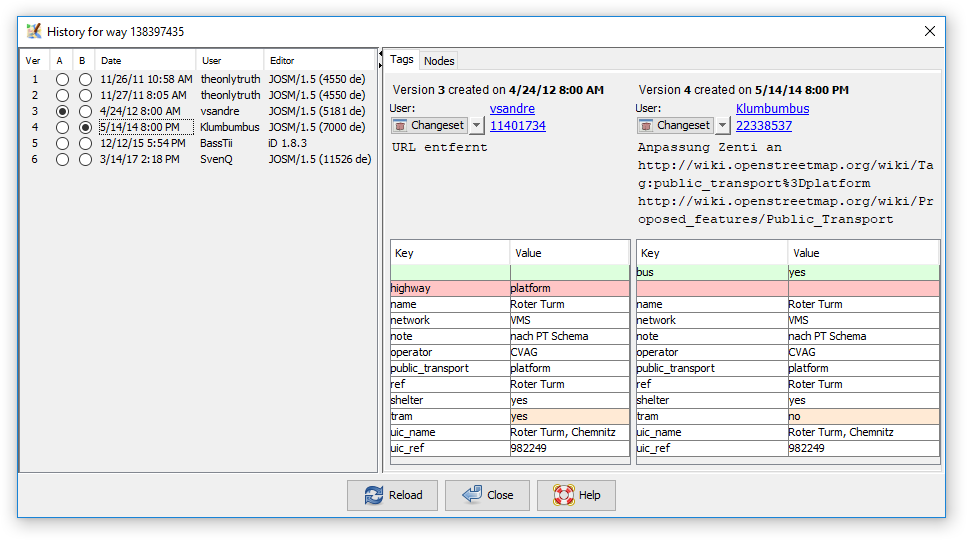
With the The History Browser you can browse through the history of an object. The History Browser provides three main areas:
- List of object versions: on the left a list of object versions is displayed. Two versions (A and B) are marked with a dot.
- Values of version A: this panel displays the values of version A
- Values of version B: this pnale displays the values of version B
You can manually place both dots or click on a date or user name to place two dots at once. You can also use the up and down arrows on your keyboard to move the dots up and down.
Basic information about a version

The History Browser displays basic information about each object version:
- the version id, a unique number the OSM server assigned to this object version
- the date of creation
- the user who created this version. Click on the link to launch a browser with additional information about the user.
- the changeset id, i.e. the unique number of the changeset in which this object version was created. Click on the link to launch a browser with additional information about the changeset.
Object dependency
Depending on the object type which is selected there is a different second tab.
Node

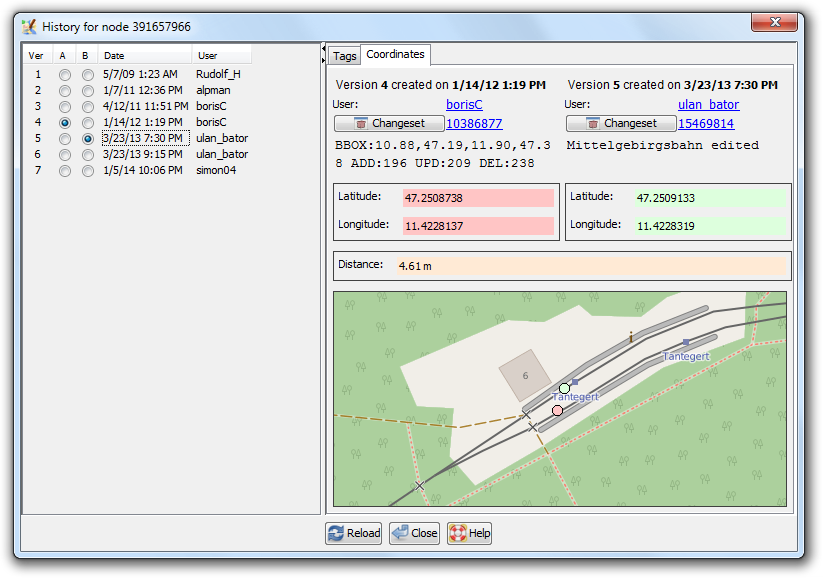
Coordinates tab:...
Way

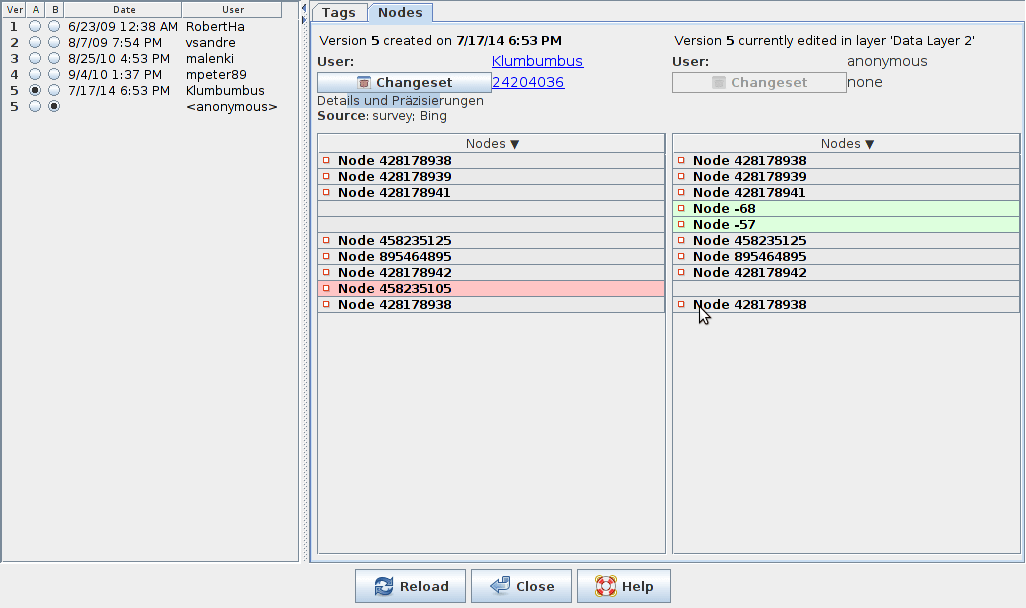
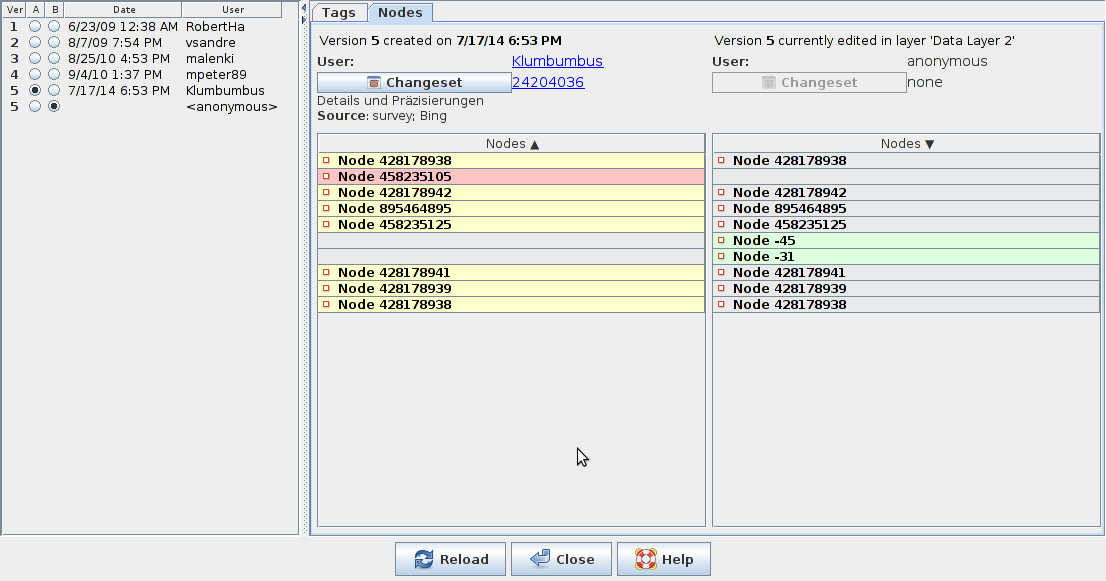
Nodes tab:...
Relation

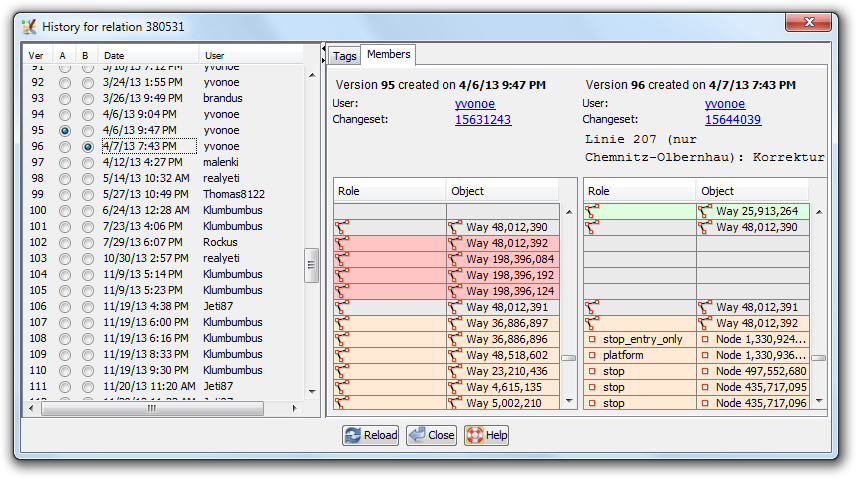
Members tab:...
See also
 History (web)
 Advanced info
- Advanced info (web)
- [Dialog/History History Dialog Window]

Attachments (8)
- history_dialog_members_tab.png (81.3 KB ) - added by 12 years ago.
- history_dialog_nodes_tab.png (61.8 KB ) - added by 11 years ago.
- history_dialog_coordinates_tab.png (79.9 KB ) - added by 11 years ago.
-
way 36833311 history in 10966.png
(18.0 KB
) - added by 10 years ago.
No yellow
- way36833311OneRemovedTwoAddedWayReversed.png (19.6 KB ) - added by 10 years ago.
- history_dialog.png (35.7 KB ) - added by 9 years ago.
-
SixHistoryDialogues.png
(11.1 KB
) - added by 6 years ago.
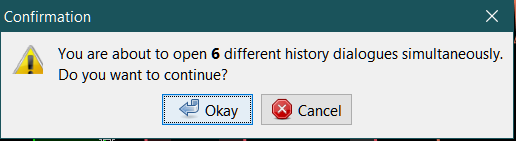
To open more than 5 history dialogues
- HistoryContextMenu.png (11.0 KB ) - added by 6 years ago.
Download all attachments as: .zip