| Version 13 (modified by , 7 years ago) ( diff ) |
|---|
Languages:
Tools > Join overlapping Areas
 Keyboard shortcut:
 Shift+J
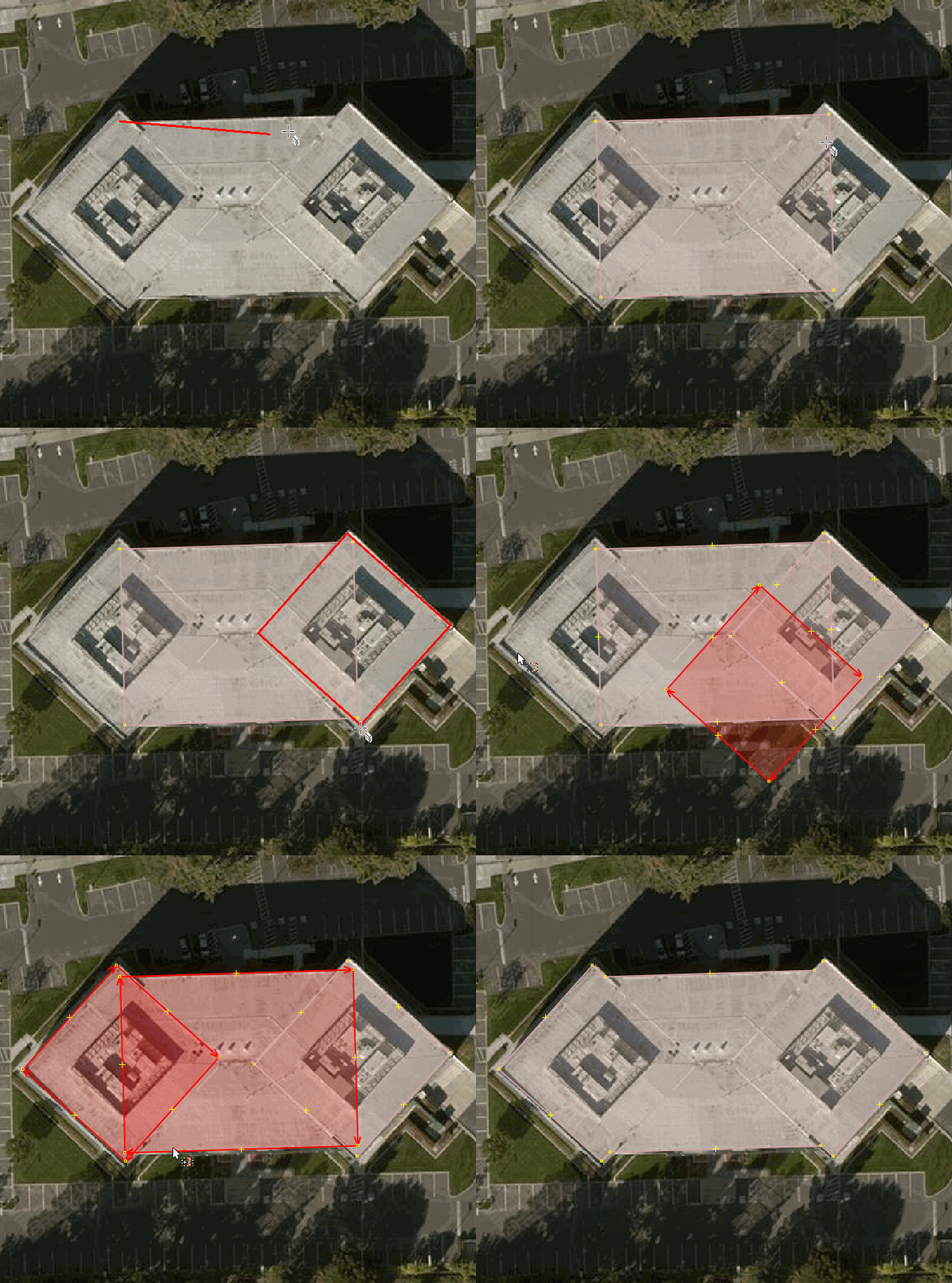
Join areas that overlapping each other.
You can select two or more closed ways.
- If one way is surrounded by the other(s) a multipolygon will be created automatically.
- Usually, all tags with only a single value and all relation memberships from all ways will be added and the Tags/Memberships Conflict Dialog will open if manual decisions are needed. In normal user mode it will additionally warn before adding any tag or membership the ways do not have in common, like Combine Ways, see Combine Confirmation.
Usage with buildings

See also

Back to Menu Tools
Back to Main Help
Attachments (3)
-
buildings-joinoverlappingareas.gif
(2.0 MB
) - added by 11 years ago.
https://github.com/mapbox/mapping/wiki/Advanced-mapping-guide#buildings https://github.com/mapbox/mapping/issues/162
- josm_join_areas_message_no_intersection.png (5.2 KB ) - added by 7 years ago.
- josm_join_areas_message_unclosed.png (6.9 KB ) - added by 7 years ago.
Note:
See TracWiki
for help on using the wiki.