


Opened 12 years ago
Last modified 12 years ago
#10455 closed enhancement
Better OS X integration — at Version 25
| Reported by: | Don-vip | Owned by: | Don-vip |
|---|---|---|---|
| Priority: | normal | Milestone: | 14.09 |
| Component: | Core | Version: | |
| Keywords: | macosx | Cc: | cquest, Stereo |
Description (last modified by )
Thanks to Stereo I have successfully setup a "Hackintosh" that finally allows me to test JOSM on OS X, in a virtual Machine, by following this guide:
http://www.macbreaker.com/2014/05/os-x-mavericks-in-virtualbox-with-niresh.html
I find a lot minor issues that I'll try to fix through this ticket:
JOSM does not use OS X native LAF by default:fixed in r74807u67: Hyperlinks do not work (left click) if Safari is still the default browser:mouse integration issue of VirtualBox7u67: Right click on hyperlinks do not copy the link to clipboard:idem7u67: Toggle dialogs do not collapse when we left-click on their title bar:idem7u67: The vertical toolbar is too wide: horizontal space wasted:fixed in r74837u67: The horizontal status bar is too large: vertical space wasted:idem7u67: The icons in preferences dialog are ridiculously small. From documentation it is stated "JTabbedPane objects in OS X [...] have a standard size. If you put an image in a tab, the image is scaled to fit the tab instead of the tab to the image.":too complicated. Dialog will change with #7548.7u67: Java dock icon is displayed instead of JOSM one if launched withfixed in r7485java -jar:7u67: Restart does not work with OSX package:fixed in r7487Icon paths are wrong in Info.plist:fixed in r7487No fullscreen:fixed with #7021

We should use the Window-Modified Indicator (fixed in r7484putClientProperty("Window.documentModified", Boolean.TRUE)):
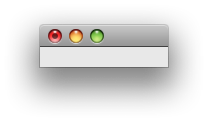
Before:

After:

Change History (27)
comment:1 by , 12 years ago
| Description: | modified (diff) |
|---|
comment:2 by , 12 years ago
| Description: | modified (diff) |
|---|
comment:3 by , 12 years ago
| Description: | modified (diff) |
|---|
comment:4 by , 12 years ago
| Description: | modified (diff) |
|---|
comment:5 by , 12 years ago
| Description: | modified (diff) |
|---|
comment:6 by , 12 years ago
| Description: | modified (diff) |
|---|
comment:7 by , 12 years ago
| Description: | modified (diff) |
|---|
comment:8 by , 12 years ago
| Description: | modified (diff) |
|---|
by , 12 years ago
| Attachment: | osx_before.png added |
|---|
comment:9 by , 12 years ago
| Description: | modified (diff) |
|---|
comment:10 by , 12 years ago
comment:11 by , 12 years ago
| Description: | modified (diff) |
|---|
comment:12 by , 12 years ago
| Description: | modified (diff) |
|---|
comment:14 by , 12 years ago
| Description: | modified (diff) |
|---|
comment:15 by , 12 years ago
| Description: | modified (diff) |
|---|
comment:16 by , 12 years ago
| Description: | modified (diff) |
|---|
comment:17 by , 12 years ago
It's too complicated (if not even impossible) to change the icons in preferences tab, they will stay as it until we change the dialog completely through #7548.
comment:19 by , 12 years ago
| Description: | modified (diff) |
|---|
by , 12 years ago
| Attachment: | osx_after.png added |
|---|
comment:20 by , 12 years ago
| Description: | modified (diff) |
|---|
comment:22 by , 12 years ago
Thanks. I can't make it work yet but this may be useful as well: http://www.macdevcenter.com/pub/a/mac/2004/10/22/cocoa.html
comment:24 by , 12 years ago
| Description: | modified (diff) |
|---|
comment:25 by , 12 years ago
| Description: | modified (diff) |
|---|
Note:
See TracTickets
for help on using tickets.

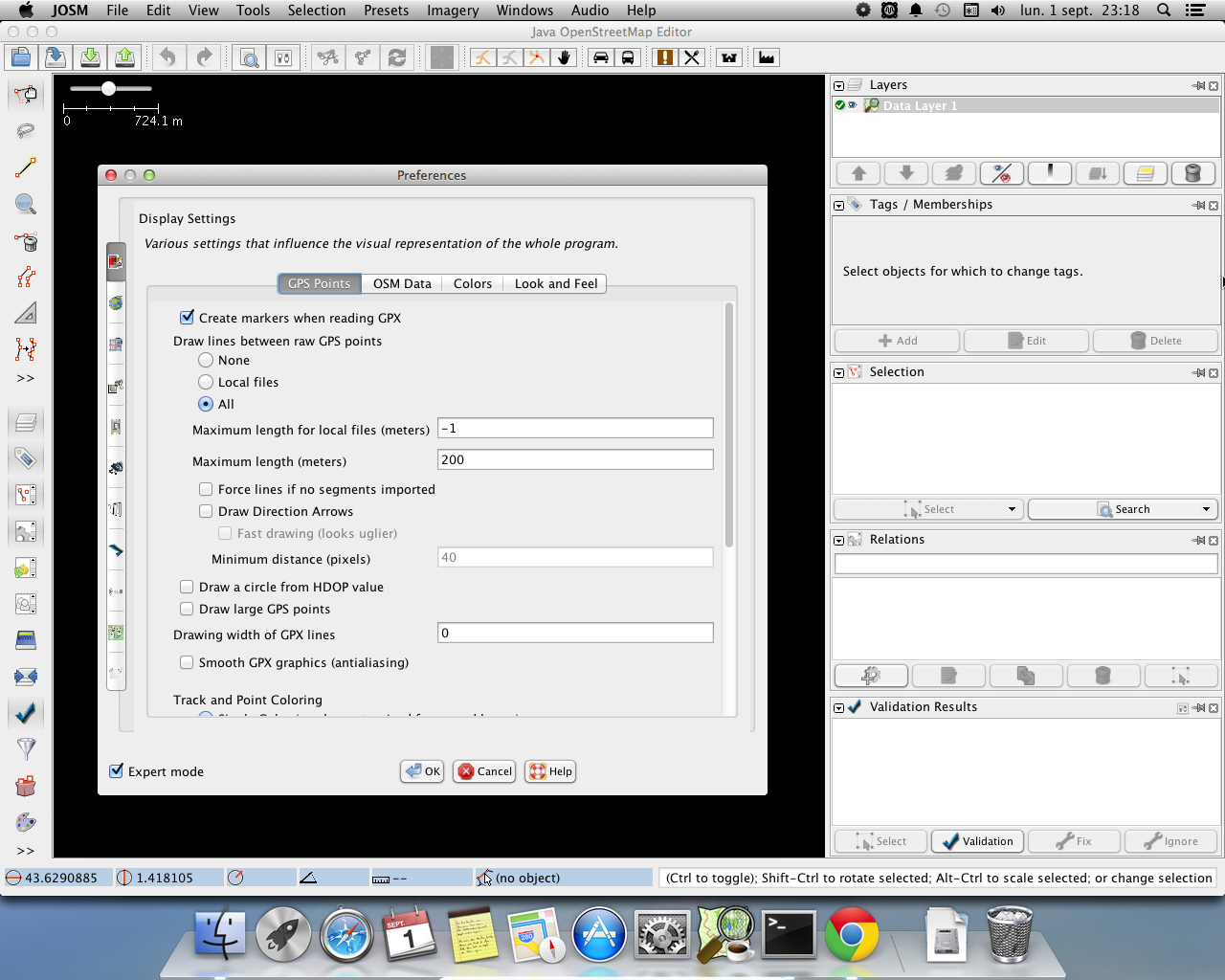

In 7483/josm: