| Version 5 (modified by , 11 years ago) ( diff ) |
|---|
Languages:
- Ελληνικά
- English
- Esperanto
- norsk bokmål
Migrating From iD to JOSM
What is different
JOSM uses right mouse drag to pan a map
Unlike osm.org, most other editors and software, you have to hold right mouse click to navigate main a map in editing window.
Aerial imagery
- you have to enable Aerial imagery using Imagery menu
- additional sources can be installed via Imagery tab in settings
Searching in presets
Text search accessible via F3 key, Search presets.
Shortcuts
Unfortunately, JOSM shortcuts are different from iD
Relations
Tools to edit relations
- [Action/CreateMultipolygon Create a multi-polygon]
Ctrl+B - Relation List toggle dialogue
- Relation Editor - main interface when editing a relation
- relation toolbox plugin (optional)
Multipolygon relations
One day you will encounter multipolygons. Don't please don't be afraid of this big page, there slightly outdated guide (ignore tagging) with decent illustrations.
Attachments (2)
-
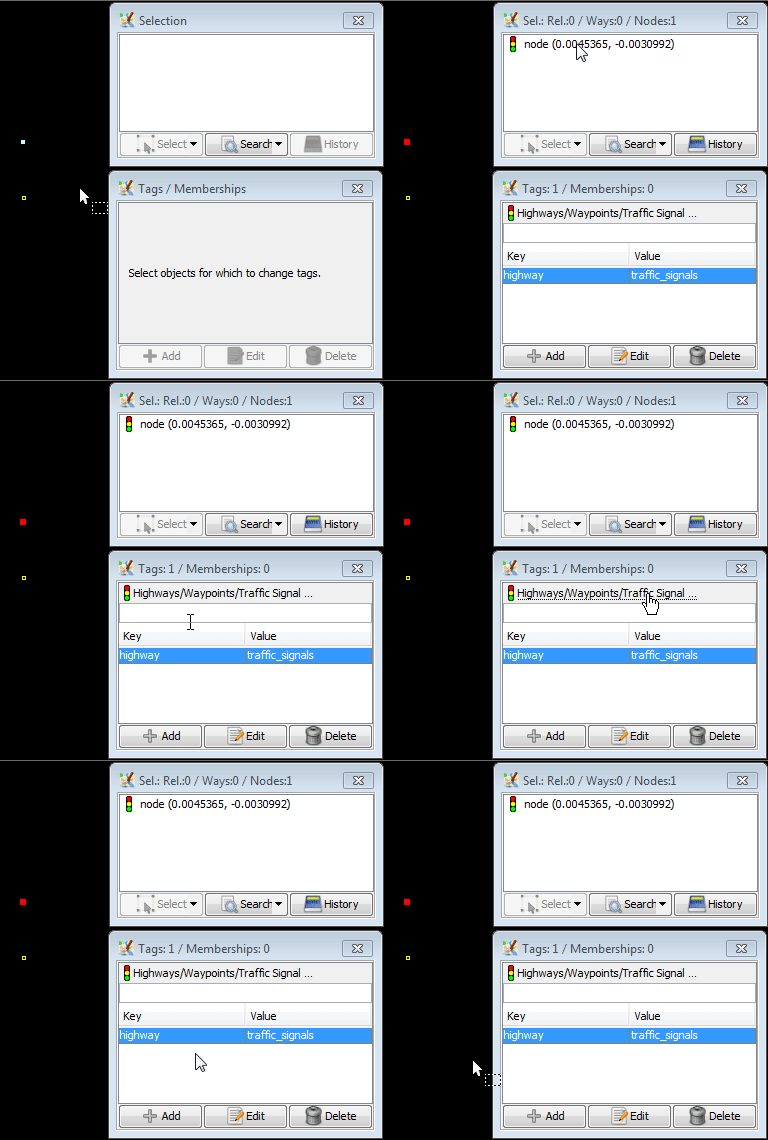
one-preset-displayed-in-JOSM-9979.gif
(51.7 KB
) - added by 10 years ago.
one preset because only one "main" tag was added
-
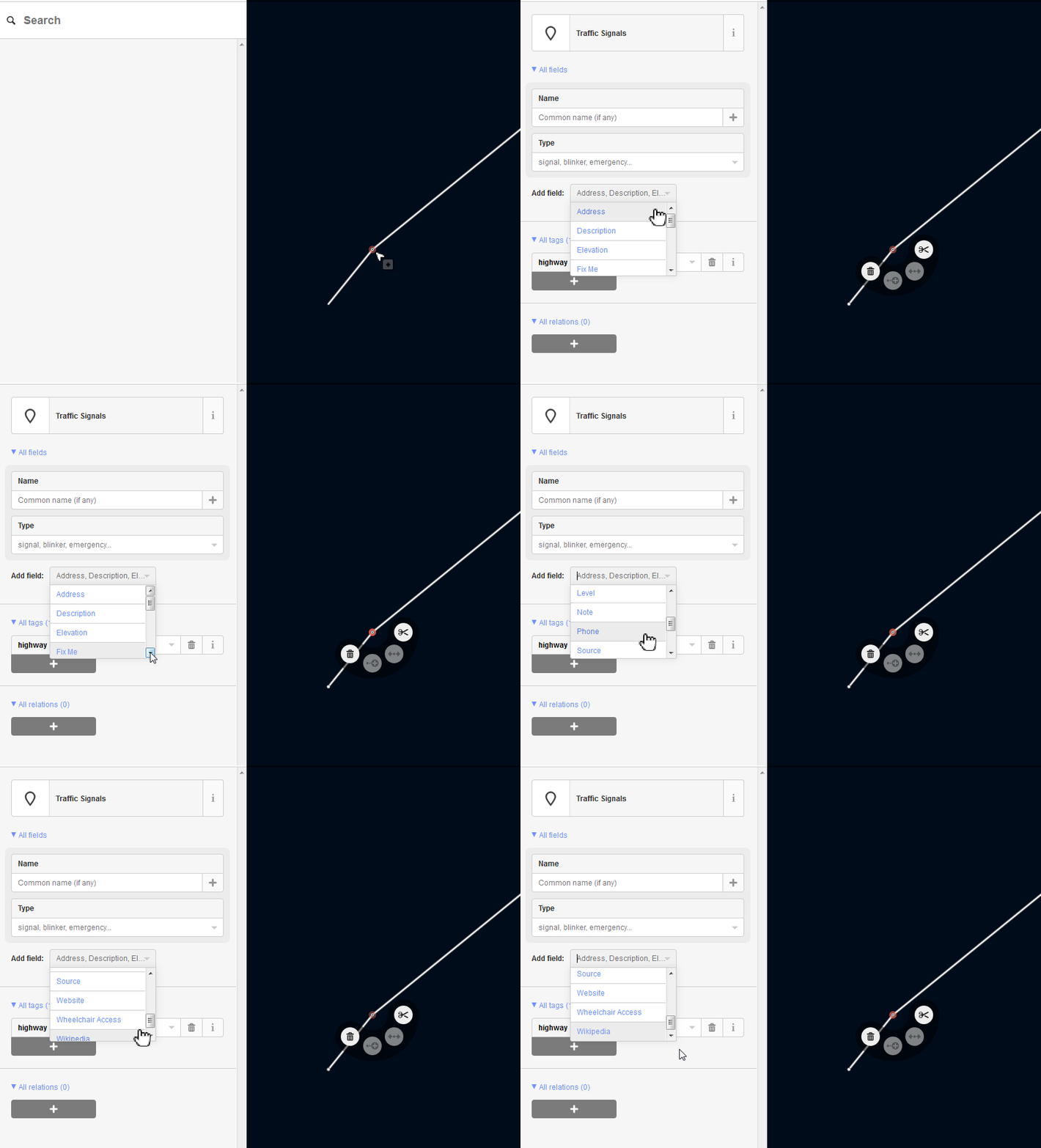
11-fields-are-displayed-in-iD-1.9.2.gif
(115.2 KB
) - added by 10 years ago.
iD will suggest 11 fields +name=* always
Download all attachments as: .zip
Note:
See TracWiki
for help on using the wiki.