| Version 7 (modified by , 6 years ago) ( diff ) |
|---|
Languages:
Tools > Un-Glue
 Keyboard shortcut:
 G
Duplicate the nodes that are used by multiple ways.
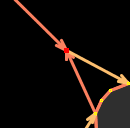
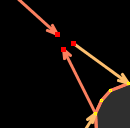
This allows you to un-join two (or more) ways which share a common node. Select the common node, and then use this tool.

An extra node will be created for each way at the same location as the original node.

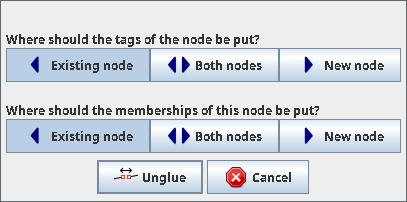
- If the selected node has at least one tag and is only part of one way, the node will be isolated and a new node will be inserted in the way at the same position.
Advanced usage: If there are more than two ways sharing a node and you like to separate just one of them, select this way along with the common node!
Back to Menu Tools
Back to Main Help
Attachments (4)
- merge1.png (4.3 KB ) - added by 17 years ago.
-
merge2.png
(4.3 KB
) - added by 17 years ago.
Should be called unglue.png actually…
- 2020-08-12-212213.png (7.3 KB ) - added by 6 years ago.
-
UnglueWaysConfirmationNodeOutside.jpg
(24.0 KB
) - added by 5 years ago.
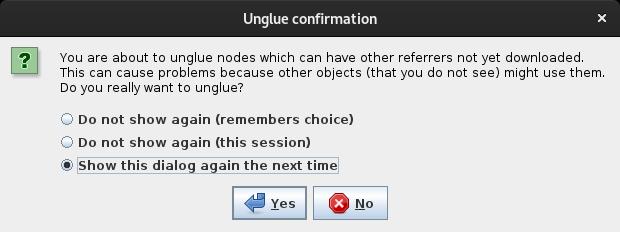
Confirmation dialog for "node outside download area"
Download all attachments as: .zip
Note:
See TracWiki
for help on using the wiki.