Languages:
File > Export to GPX
 Keyboard shortcut:
 Ctrl+E (expert mode only)
Export the current data layer as GPX file.
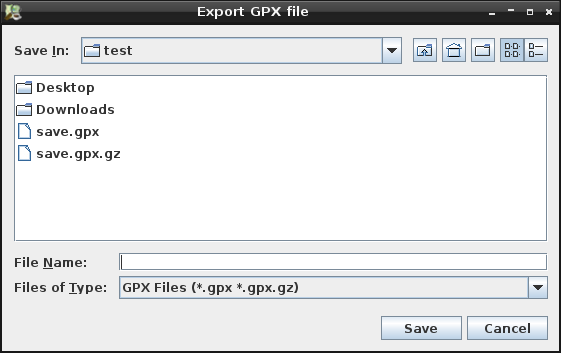
The following dialog is presented:

It is possible to export into a plain .gpx file or into a compressed GPX file using gzip (.gpx.gz), bzip2 (.gpx.bz2 or .gpx.bz), xz (.gpx.xz) or zip (.gpx.zip)
Back to Menu File
Back to OSM Data Layer Context Menu
Back to Main Help
Last modified
21 months ago
Last modified on 2025-01-26T14:02:02+01:00
Attachments (1)
- export_gpx_file_dialog.png (581.5 KB ) - added by 15 years ago.
Download all attachments as: .zip
Note:
See TracWiki
for help on using the wiki.