| Version 12 (modified by , 19 years ago) ( diff ) |
|---|
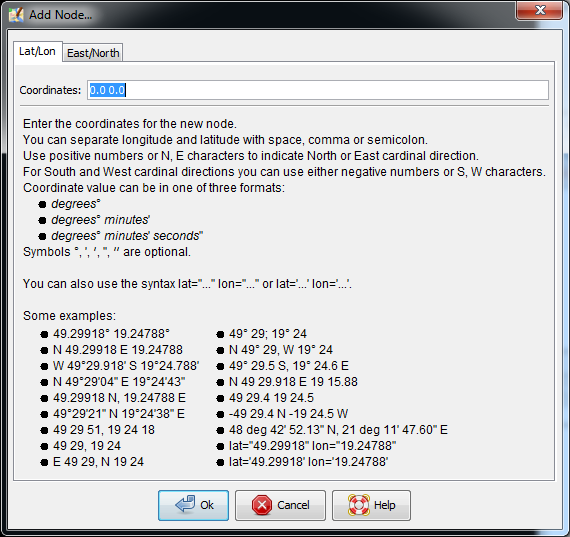
Add Node
Keyboard shortcut: N
JOSM has different modes to add nodes.
- If you click on a blank area of the screen you add a new node independent of any existing way.
- If no node is previously selected and you click between two nodes in an existing way the new node is added on the existing way, between two existing nodes.
- If a node is previously selected and you click between two nodes in an existing way the new node is added on the existing way, between two existing nodes, and a way is drawn between the previously selected node and the new node.
- If you select an end node of a way and then click on a blank area of the screen you add a new node to the end of the existing way.
Back to Main Help
Attachments (1)
-
AddNode_screenshot.png
(46.6 KB
) - added by 11 years ago.
updated screenshot
Download all attachments as: .zip
Note:
See TracWiki
for help on using the wiki.