


Modify ↓
#15923 closed defect (worksforme)
"Drag to scale picture in x y axis" control can only make the picture bigger and bigger
| Reported by: | jidanni | Owned by: | Larry0ua |
|---|---|---|---|
| Priority: | normal | Milestone: | |
| Component: | Plugin piclayer | Version: | |
| Keywords: | Cc: |
Description
"Drag to scale picture in x y axis" control can only make the picture
bigger and bigger, with always disastrous results. No way to make the
picture smaller.
Why not just have a control to allow scaling with the mouse wheel? Super safe!
Attachments (1)
Change History (7)
by , 9 years ago
comment:1 by , 9 years ago
| Resolution: | → worksforme |
|---|---|
| Status: | new → closed |
comment:2 by , 9 years ago
In your .gif, you tested
- The "Drag to scale picture in x axis" button
- The "Drag to scale picture in y axis" button
But I am talking about the
- The "Drag to scale picture in x y axis" button
above them.
comment:5 by , 9 years ago
The behavior depends on where you move the mouse in relation to the three markers.
comment:6 by , 9 years ago
Please document this somewhere.
So the
- "Drag to scale picture in x axis" button
- "Drag to scale picture in y axis" button
always behave the same no matter where the three markers, if any, are. But the
- "Drag to scale picture in x y axis" button
behaves differently?
Note:
See TracTickets
for help on using tickets.


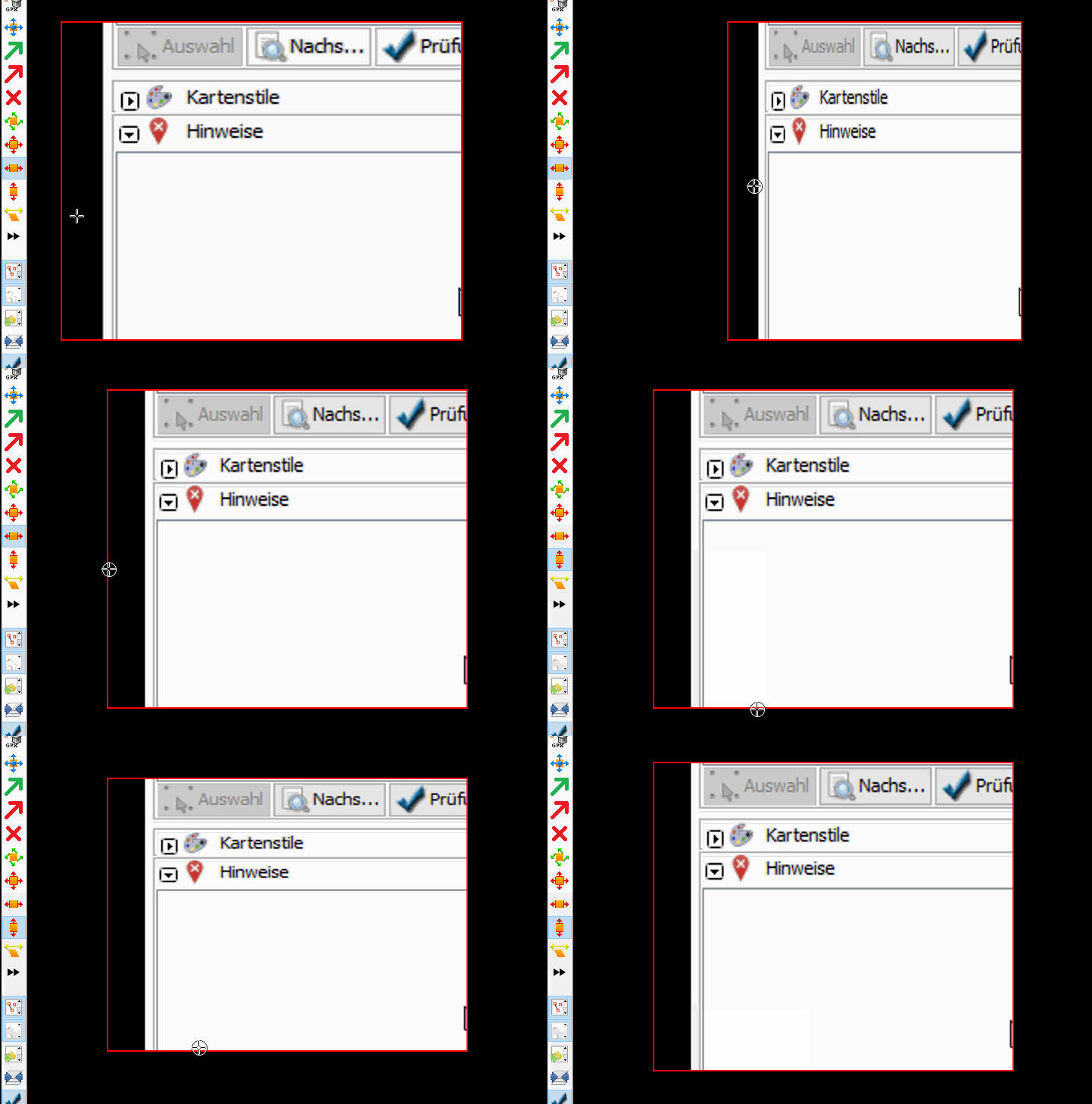
Works for me see attached gif.
(Mouse wheel is reserved for zooming)