


#4289 closed defect (fixed)
rendering goes crazy at high zoom levels
| Reported by: | RussNelson | Owned by: | team |
|---|---|---|---|
| Priority: | normal | Milestone: | |
| Component: | Core | Version: | latest |
| Keywords: | painting java clipping | Cc: | skyper |
Description (last modified by )
Extreme zoom levels (<1M) cause the painting to go crazy, drawing pie-shaped fills out to the edge of the screen. Present in 2255, but I don't recall it being present in 0.5 versions of JOSM. Sometimes it's necessary to zoom in that far to be able to select just one node very close to another node.


Attachments (5)
Change History (17)
comment:1 by , 17 years ago
| Owner: | changed from to |
|---|---|
| Status: | new → needinfo |
comment:2 by , 17 years ago
| Owner: | changed from to |
|---|---|
| Status: | needinfo → new |
| Summary: | drawing goes crazy at high zoom levels → rendering goes crazy at high zoom levels |
| Version: | → latest |
This bug exists for some time now.
Sometimes rendering goes crazy at high zoom levels, not rendering all the objects and changing colors. Sometimes you only see nodes but no ways and more.
The screenshot looks quite different than the one from #4040.
Sorry I did not get a nice screenshot, but I try to get more.
Pictures are taken in the lower right edge.
cu skyper
by , 17 years ago
| Attachment: | screenshot_1m.png added |
|---|
by , 17 years ago
| Attachment: | screenshot_under_1m.png added |
|---|
comment:3 by , 17 years ago
Funny, trying to get the second screenshots the background changed back to black in some areas. I think it is the background color thats the problem speaking for myself.
comment:4 by , 17 years ago
| Cc: | added |
|---|
follow-up: 6 comment:5 by , 17 years ago
Still cannot reproduce. Could not find the place of the first screenshot in the data file.
Does it happen each time you zoom < 1m or is it only under certain conditions?
You have 2 data layers, one inactive. Does this also happen if you have only one layer?
Do you use Sun Java? What version?
Sorry for all the questions, but it is very hard to debug if you cannot reproduce the problem.
follow-up: 7 comment:6 by , 17 years ago
Replying to bastiK:
Still cannot reproduce. Could not find the place of the first screenshot in the data file.
Does it happen each time you zoom < 1m or is it only under certain conditions?
- one is from the intersection a bit left of the second one. Look for highway=crossing with no connection.
Yes it happens all the time, sometimes disappearing and then reappearing again.
You have 2 data layers, one inactive. Does this also happen if you have only one layer?
Yes
Do you use Sun Java? What version?
No, debian squeeze (openjdk-6b17~pre3-1)
Sorry for all the questions, but it is very hard to debug if you cannot reproduce the problem.
No problem. You were lucky to reach me! I am offline for the weekend.
cu next week Skyper
comment:7 by , 17 years ago
Do you use Sun Java? What version?
No, debian squeeze (openjdk-6b17~pre3-1)
Then it's probably another flavor of #3313. Maybe roundoff error involved?
comment:8 by , 17 years ago
I could confirm this for openjdk. The cause seems to be the same openjdk bug as in #3313. A fix for this would be to clip each segment before it gets painted.
However I'm not sure if this would have any performance impact. Maybe we can do a workaround for openjdk users only. (One can check System.getProperty("java.vm.name") for this.)
comment:10 by , 17 years ago
| Resolution: | → fixed |
|---|---|
| Status: | new → closed |
comment:11 by , 16 years ago
| Keywords: | painting java clipping added |
|---|
comment:12 by , 10 years ago
| Description: | modified (diff) |
|---|

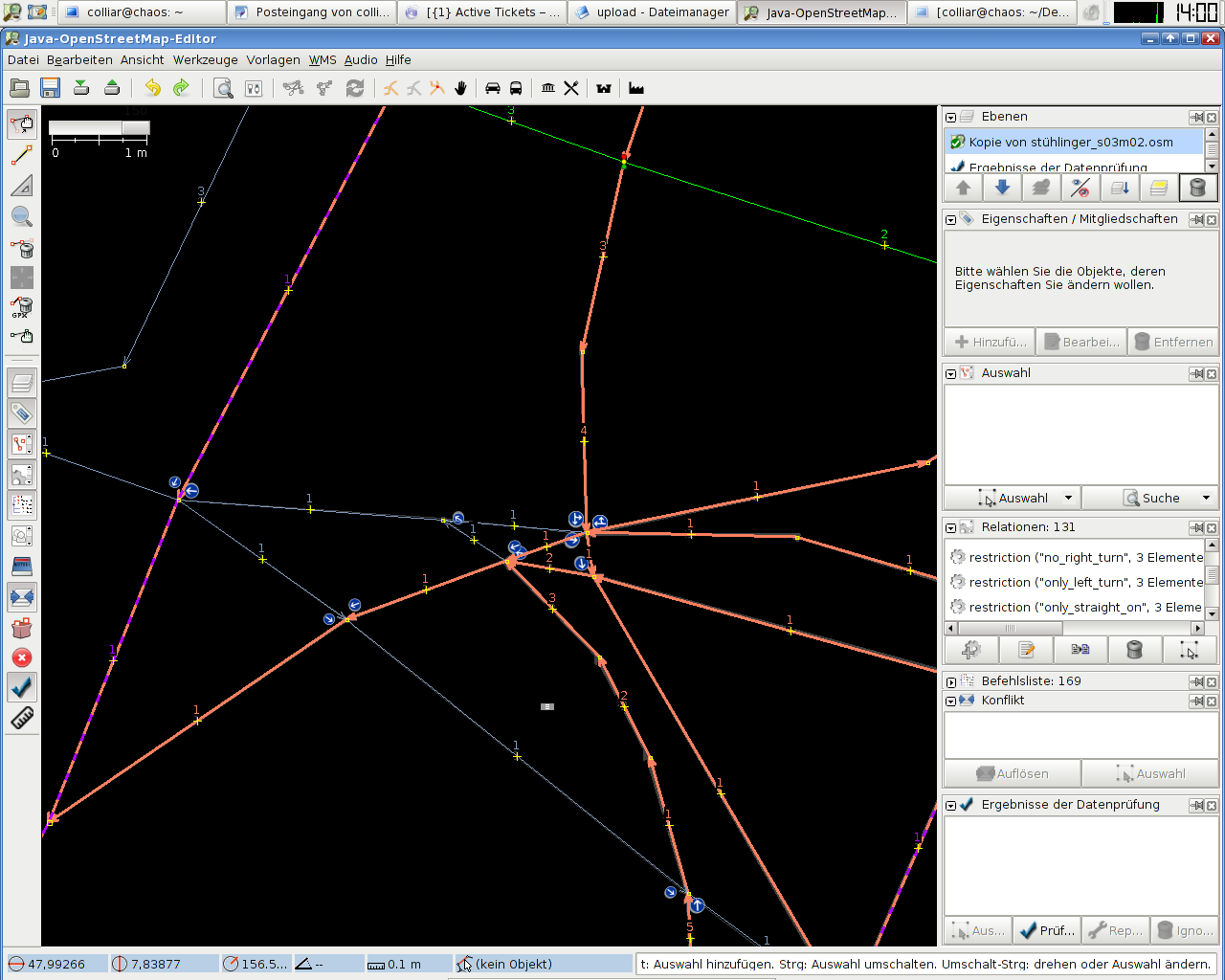


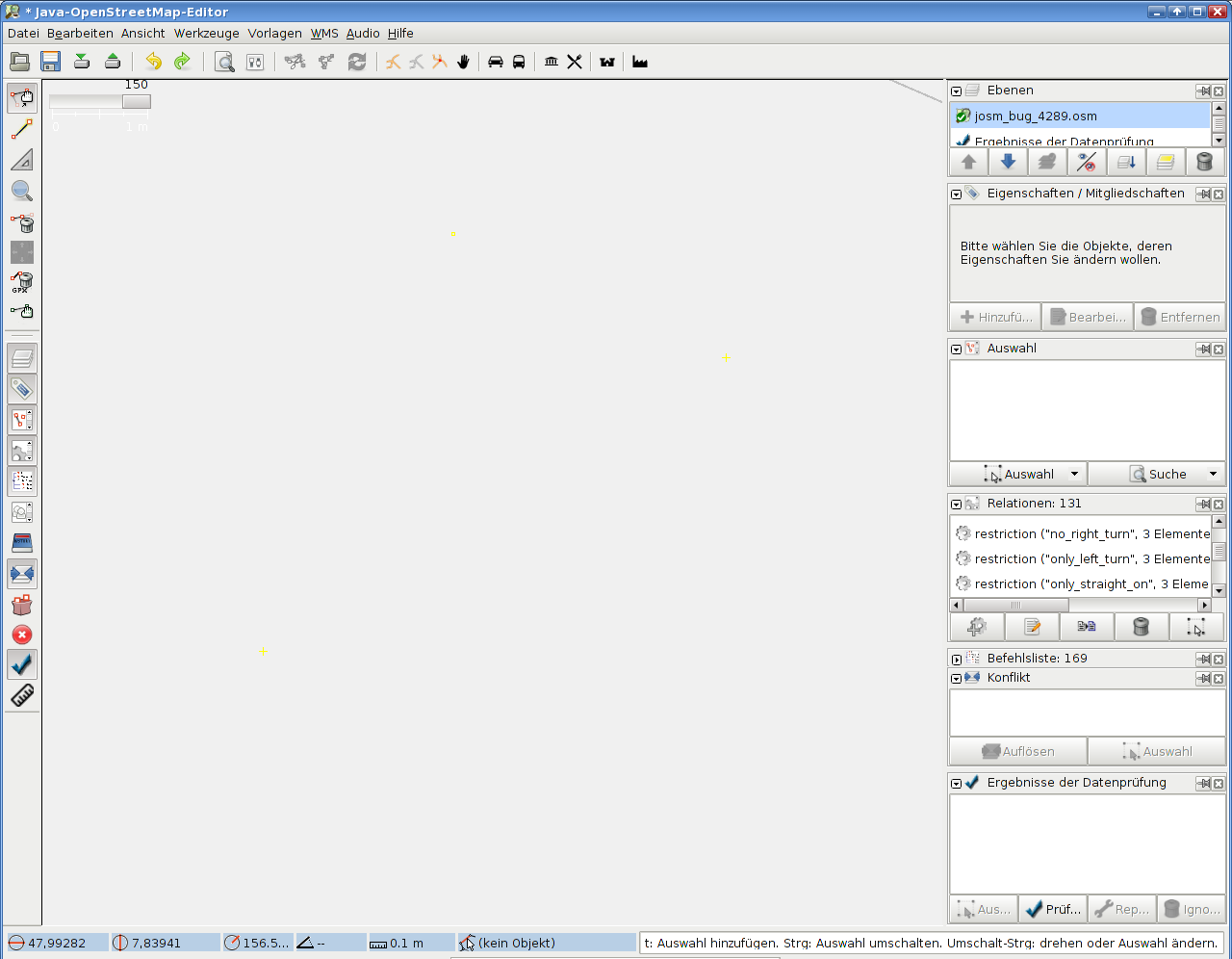
Probably related to #4040 (there GPX). It seems the draw functions go berserk when to much stuff is drawn outside the visible area. Could you a add screenshots and probably provide a reproducable description including data file.