| Version 7 (modified by , 16 years ago) ( diff ) |
|---|
Languages:
Contourmerge Plugin
In a nutshell
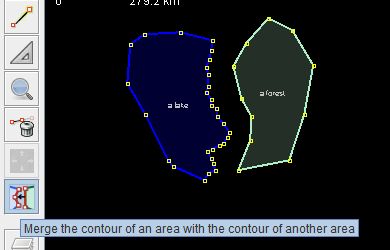
The contourmerge plugin helps you to align the contours of areas in JOSM.
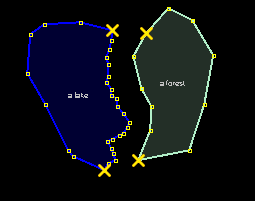
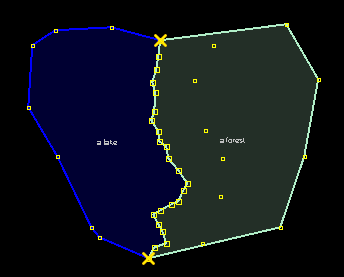
 Here's a typical example: a lake with a detailled shoreline and a forest.
The contour of the forest should be aligned with the lakes shoreline.
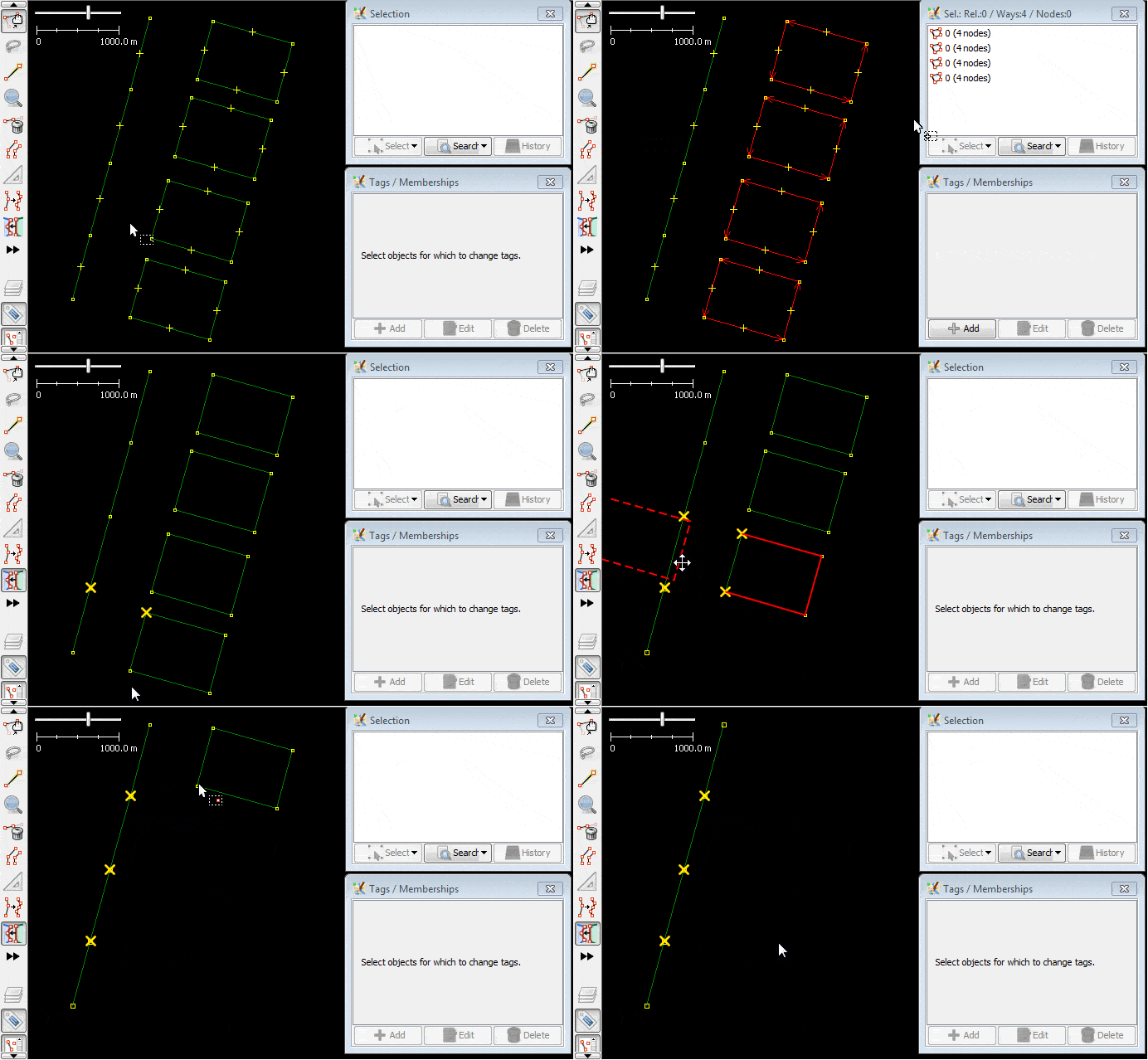
Select the contourmege map mode in the toolbar for map modes and perform the steps below.
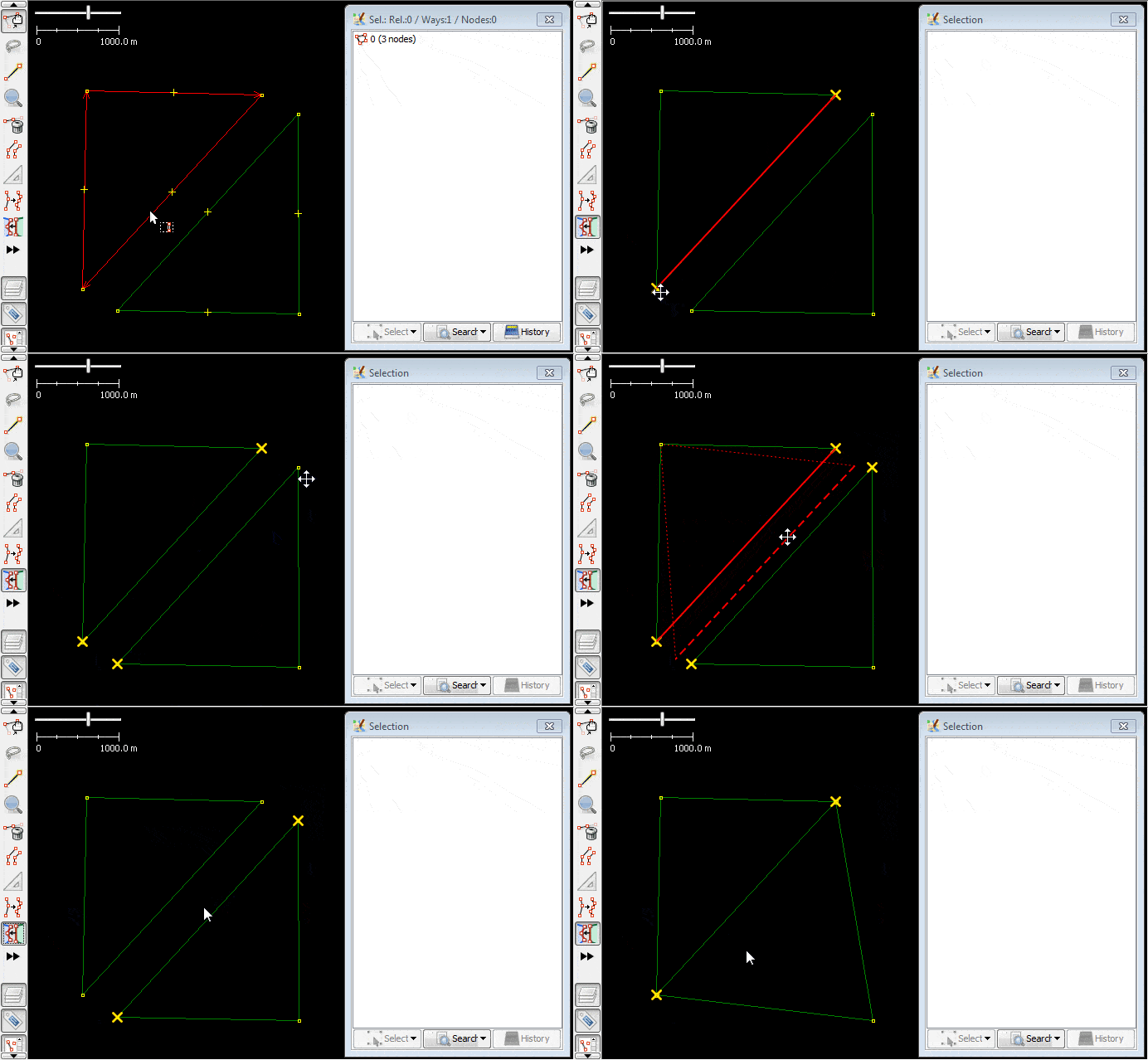
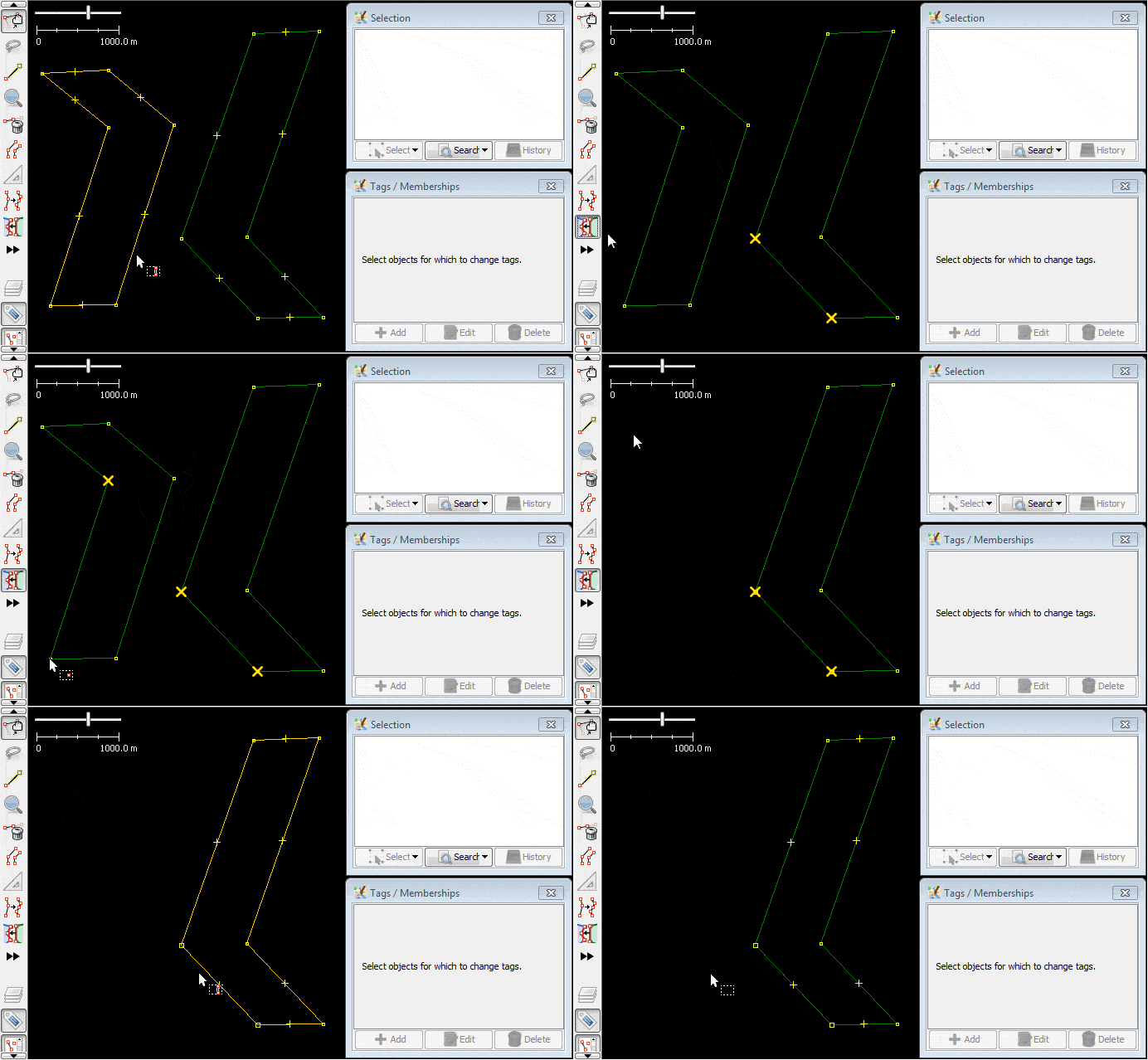
Step 1 - Select the "cut-nodes"

- Select the part of the contour you want to merge, in both the areas for the lake and the forest. Left-Click on the respective nodes to mark them as selected.
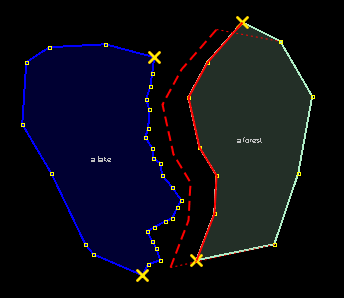
Step 2 - Drag the source contour

- Drag the source contour between two "cut-nodes"

- When you drag it over a possible target contour, the source contour is aligned with the target contour.
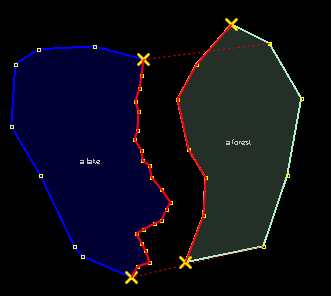
Step 3 - Align the contours

- Drop the source contour. The contours of the lake and the forest are merged.
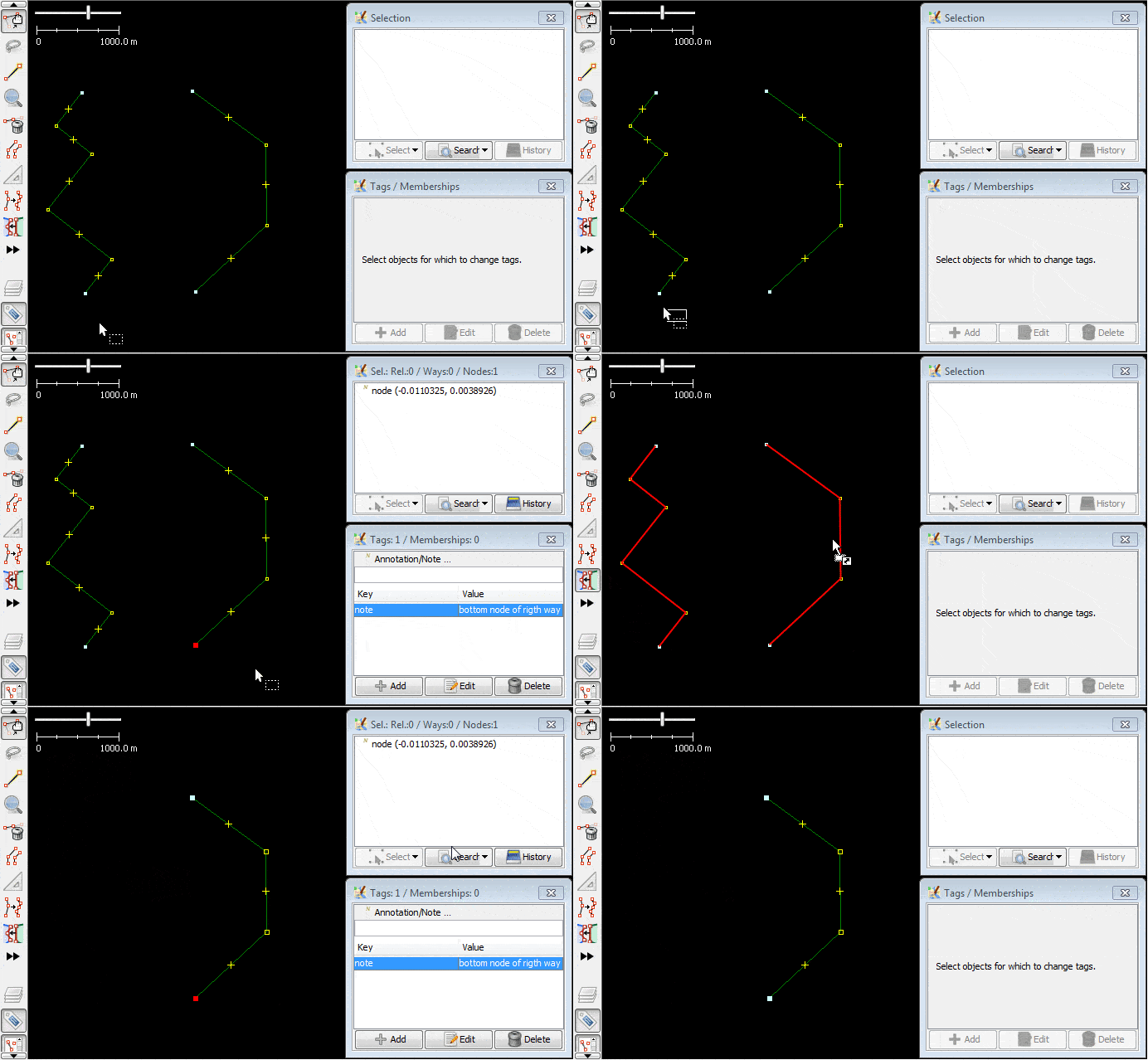
If the merge doesn't happen as expected, reversing one of the ways helps.
Attachments (10)
- lake-and-forest.0.png (4.5 KB ) - added by 16 years ago.
- lake-and-forest.2.png (5.9 KB ) - added by 16 years ago.
- lake-and-forest.1.png (17.1 KB ) - added by 16 years ago.
- lake-and-forest.3.png (14.0 KB ) - added by 16 years ago.
- lake-and-forest.4.png (13.9 KB ) - added by 16 years ago.
- lake-and-forest.5.png (6.9 KB ) - added by 16 years ago.
- ex1-merge-contour-with-another-countour-usage-on-areas.gif (132.7 KB ) - added by 10 years ago.
- ex2-merge-contour-with-another-countour-usage-on-ways.gif (257.5 KB ) - added by 10 years ago.
- ex3-merge-contour-with-another-countour-usage-on-areas.gif (114.9 KB ) - added by 10 years ago.
- ex4-merge-contour-with-another-countour-usage-on-areas.gif (139.0 KB ) - added by 10 years ago.
Download all attachments as: .zip
Note:
See TracWiki
for help on using the wiki.