| Version 2 (modified by , 15 years ago) ( diff ) |
|---|
Tools > Follow line
 Keyboard shortcut:
 F
Makes easier to draw a line that shares points with another line.
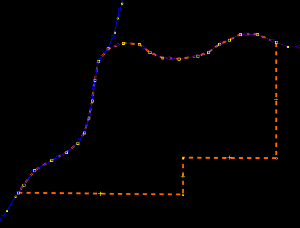
Aimed at those who want to draw two or more lines related with each other, but carry different information (i.e. a river acts as boundary at some part of its course. It is preferable to have a separated boundary line than to mix totally different kind of features in one single way).
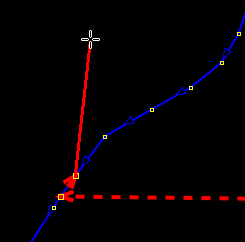
Manually extend the new line to at least two consecutive nodes of the line to follow.

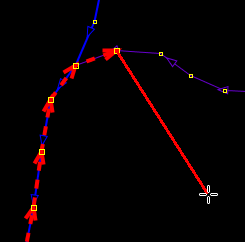
Then press F so many times as needed. The new line is automatically extended along the path of the existent one.
If the new line should follow a different path (after a junction or at the end of the guide-line), simply extend it manually until there is another line to follow.
Attachments (3)
- followline_example1.png (4.5 KB ) - added by 15 years ago.
- followline_example2.png (5.8 KB ) - added by 15 years ago.
- followline_example3.png (6.8 KB ) - added by 15 years ago.
Download all attachments as: .zip