


| Version 2 (modified by , 20 years ago) ( diff ) |
|---|
Back to Main Help
Download from OSM
Keyboard shortcut: CTRL+SHIFT+D
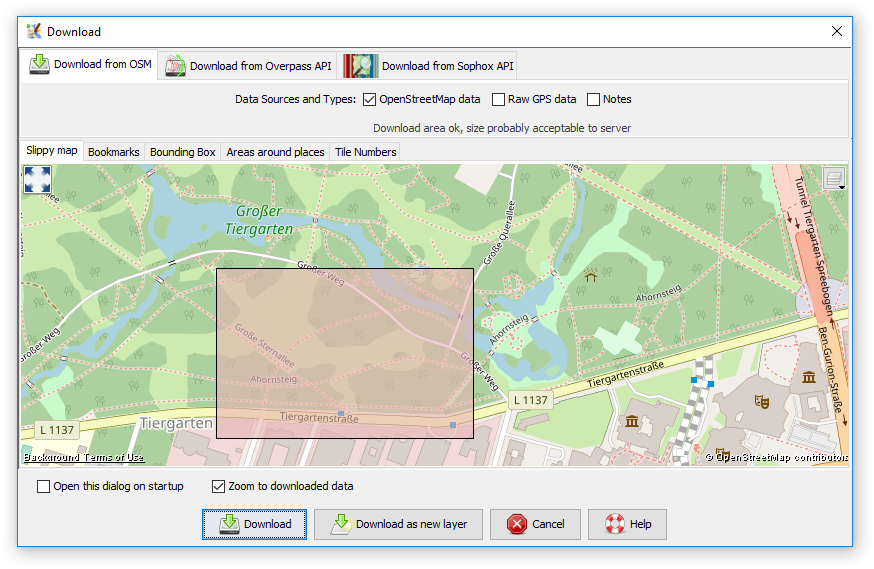
Download data. Different type of data can be downloaded:
- osm data (nodes, segments, ways, ...), downloaded from the OpenStreetMap server.
- gps raw data, downloaded from the OpenStreetMap server.
- landsat image (if the landsat plugin is installed). Landsat images can only be downloaded once either osm or gps data for ant area has already been downloaded.
- NPE (New Popular Edition - Ordnance Survey Map, for England) see http://www.npemap.org.uk, (if the appropriate plugin is installed).
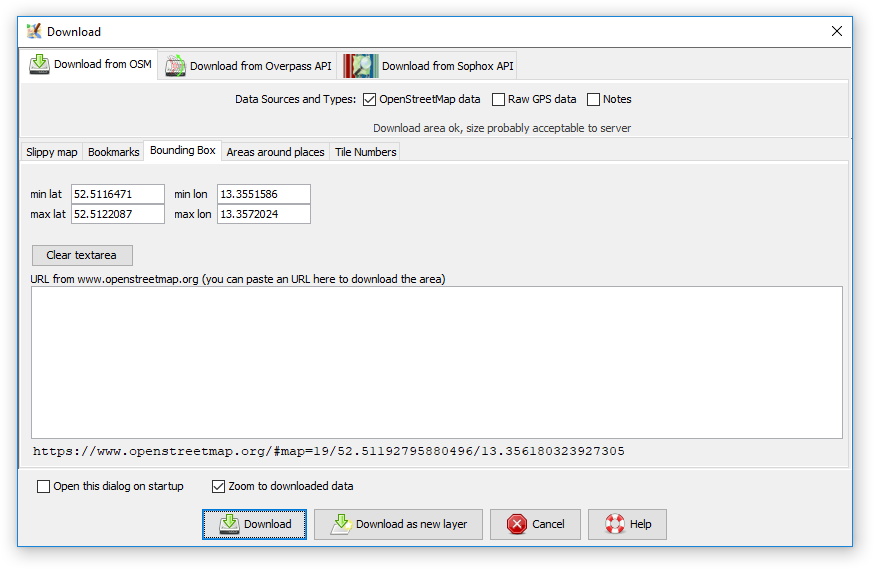
The dialog allows to set the latitude/longitude bounds of the data to be downloaded. It's probably easiest to load some gps raw data from a file first as then, the bounds are set to the area of the raw data.
Alternatively you can paste a URL from www.openstreetmap.org. To do this go to the map on the OpenStreetMap site, zoom in to the area you are interesrted in, move the mouse over the "view" tab, and copy the resulting URL. Then go to JOSM, and paste this URL into the "URL from www.openestreetmap.org" box. (In Windows to paste into the box, left click within the box, and then do CTRL+v)
Back to Main Help
Attachments (18)
- Wizard.png (20.3 KB ) - added by 9 years ago.
- Favorite.png (8.5 KB ) - added by 9 years ago.
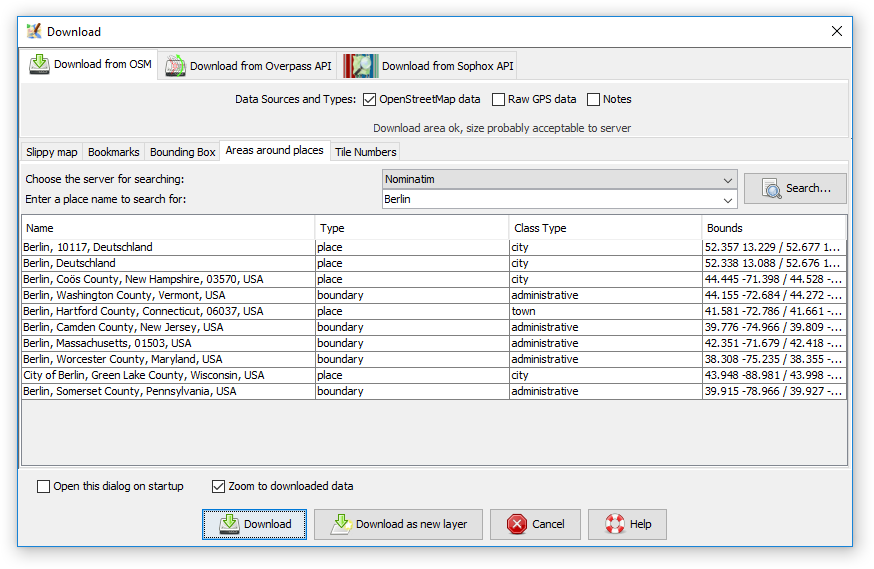
- AreaAroundPlaces.png (42.4 KB ) - added by 8 years ago.
- BBox.png (29.9 KB ) - added by 8 years ago.
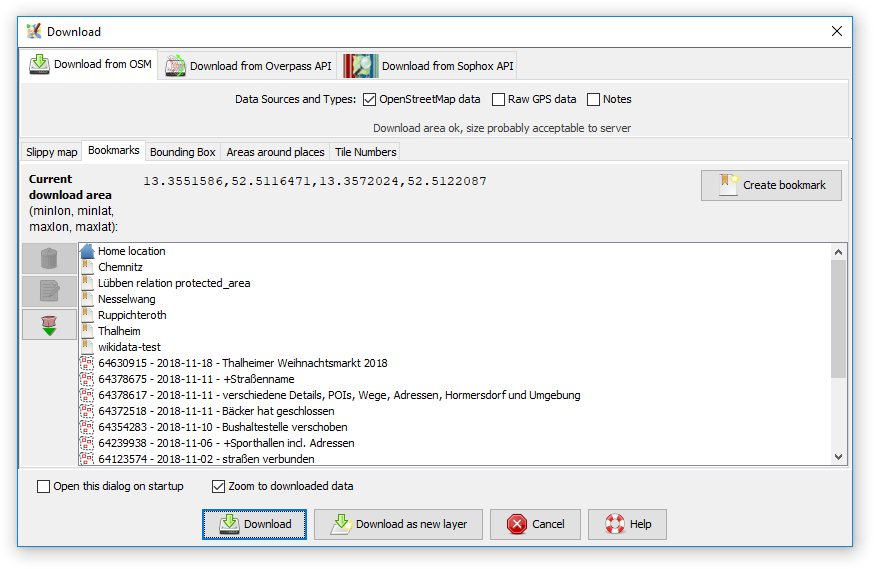
- Bookmarks.png (45.3 KB ) - added by 8 years ago.
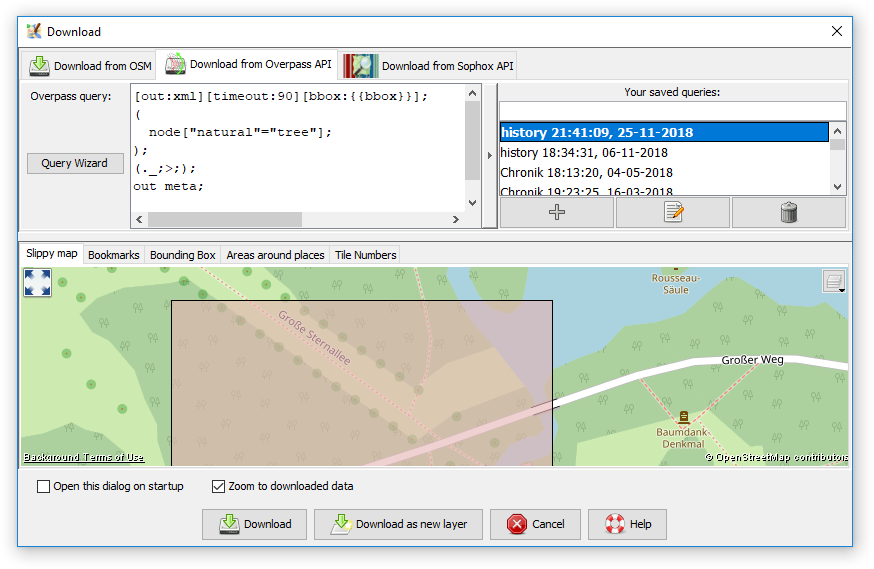
- Overpass.png (63.2 KB ) - added by 8 years ago.
- SlippyMap.png (133.3 KB ) - added by 8 years ago.
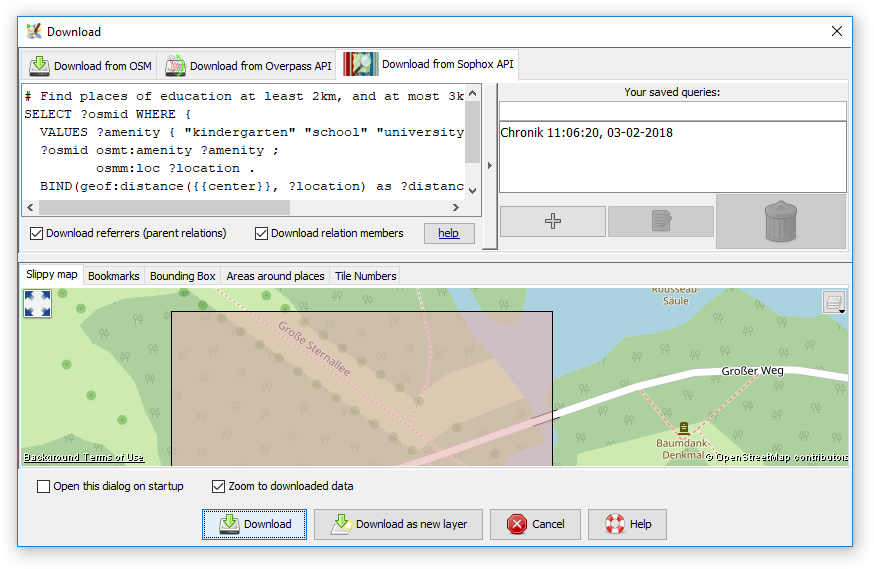
- Sophox.png (62.6 KB ) - added by 8 years ago.
- TileNumbers.png (53.7 KB ) - added by 8 years ago.
- Areas around places (macOS).png (184.1 KB ) - added by 16 months ago.
- Bookmarks (macOS).png (140.6 KB ) - added by 16 months ago.
- Bounding box (macOS).png (143.8 KB ) - added by 16 months ago.
- Download from Overpass API (macOS).png (258.0 KB ) - added by 16 months ago.
- Download from Sophox API (macOS).png (265.8 KB ) - added by 16 months ago.
- Slippy map (macOS).png (317.1 KB ) - added by 16 months ago.
- Tile numbers (macOS).png (220.8 KB ) - added by 16 months ago.
- Welcome screen (macOS).png (201.1 KB ) - added by 16 months ago.
-
UseTo___Zoom.png
(38.3 KB
) - added by 16 months ago.
Use left click & drag to select an area, arrows or right mouse button to scroll the map, scroll wheel or +/- to zoom.
Note:
See TracWiki
for help on using the wiki.










.png)
.png)
.png)
.png)
.png)
.png)
.png)
.png)
.png)
.png)
.png)
.png)
.png)
.png)
.png)
.png)

