


Opened 2 months ago
Closed 3 days ago
#24845 closed defect (duplicate)
Native Scale button in Layer List does not trigger 1:1 zoom (ScaleFactor remains > 1.0)
| Reported by: | DressyPear4 | Owned by: | team |
|---|---|---|---|
| Priority: | normal | Milestone: | |
| Component: | Core | Version: | |
| Keywords: | hidpi | Cc: |
Description
Environment:
OS: Windows with HiDPI display scaling enabled (e.g., 125%)
Java2D Transform: 1.25x1.25
Description:
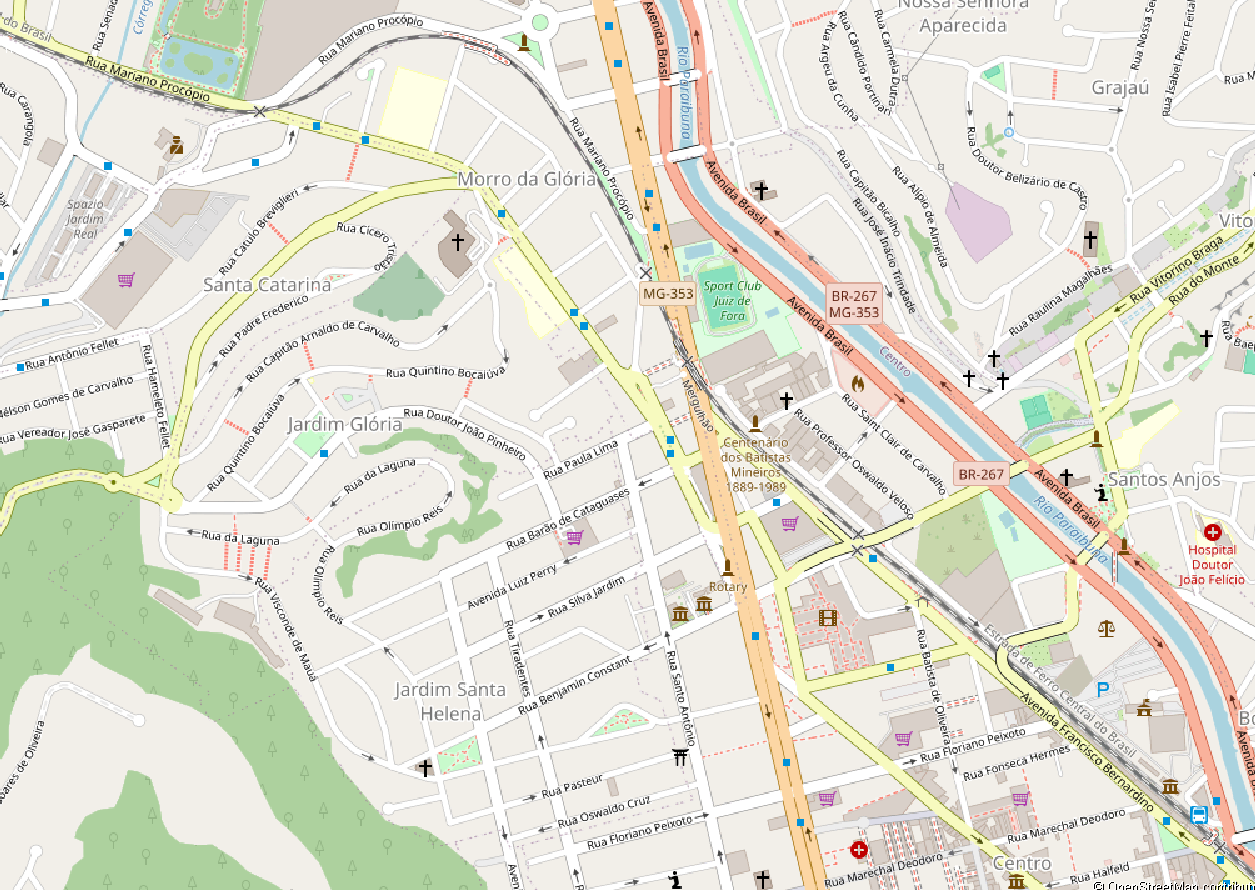
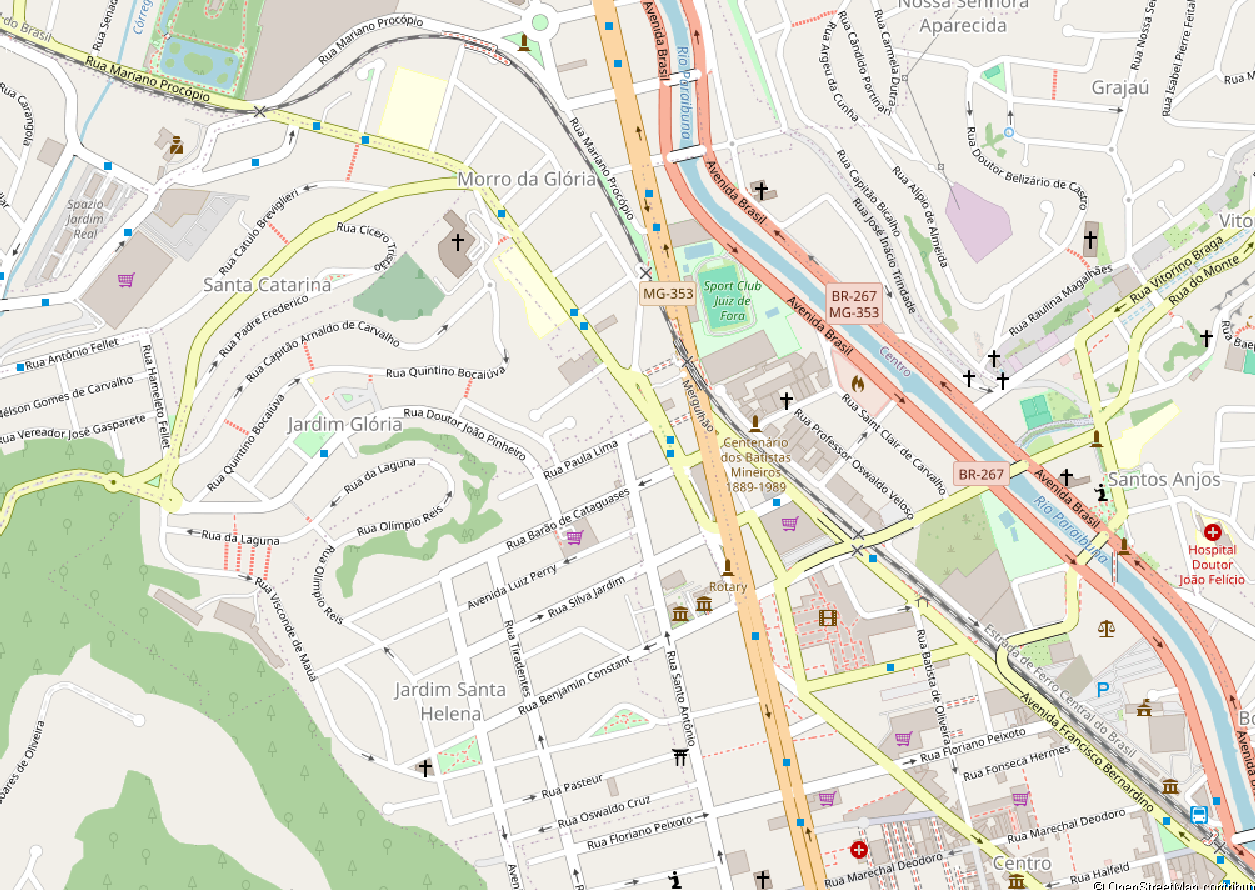
Under HiDPI scaling (125%), toggling the "scale follows native resolution of this layer" button (NativeScaleLayerCheckBox) in the Layers panel sets the layer as NativeScaleLayer, but fails to recalculate the map view zoom factor. Consequently, the layer's ScaleFactor remains around ~1.426, causing Java2D to resample and render the tiles blurry.
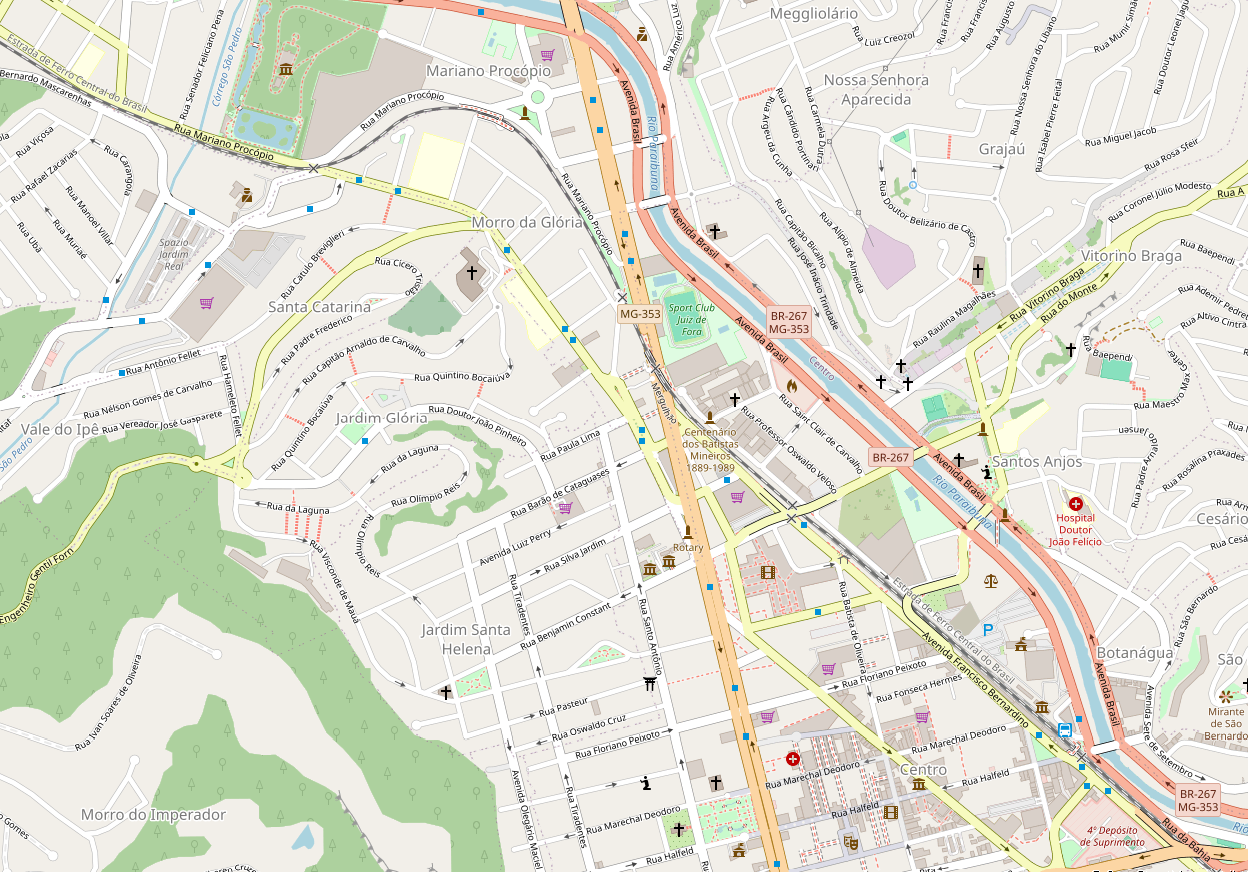
In contrast, selecting "Zoom to native resolution" (ZoomToNativeLevelAction) from the layer context menu properly executes mapView.zoomToFactor(Math.sqrt(scaleFactor)). This forces ScaleFactor down to 1.0 (true 1:1 pixel rendering), producing a crisp display.
It also occurs in dialogs with SplitMapChooserDialog.
Steps to Reproduce:
Set Windows display scaling to 125%.
Open JOSM and load a TMS imagery layer (e.g., OpenStreetMap Carto).
Click the Native Scale column icon in the Layers panel.
Observed: Imagery remains blurry (ScaleFactor ≈ 1.426).
Right-click the imagery layer and select Zoom to native resolution.
Observed: Imagery becomes sharp (ScaleFactor ≈ 1.0).
Diagnostic Log:
-- INITIAL / AFTER TOGGLING LAYER LIST BUTTON (Blurry) --
HiDPI OS Scale: 125%
MapView Java2D Transform: 1.25x1.25
MapView.getScale(): 5.0
Layer ScaleFactor: 1.4264201857048473
Calculated Native Factor: 1.1943283408279515
-- AFTER EXECUTING 'Zoom to native resolution' (Crisp 1:1) --
MapView.getScale(): 5.971641704139757
Layer ScaleFactor: 0.9999999999994497 (~1.0)
Calculated Native Factor: 0.9999999999997248
Attachments (3)
Change History (6)
by , 2 months ago
| Attachment: | Zoom_before.png added |
|---|
by , 2 months ago
| Attachment: | Zoom_before.2.png added |
|---|
by , 2 months ago
| Attachment: | Zoom_after.png added |
|---|
comment:1 by , 3 days ago
| Keywords: | hidpi added |
|---|---|
| Resolution: | → duplicate |
| Status: | new → closed |
| Summary: | [HiDPI] Native Scale button in Layer List does not trigger 1:1 zoom (ScaleFactor remains > 1.0) → Native Scale button in Layer List does not trigger 1:1 zoom (ScaleFactor remains > 1.0) |
comment:2 by , 3 days ago
| Resolution: | duplicate |
|---|---|
| Status: | closed → reopened |
comment:3 by , 3 days ago
| Resolution: | → duplicate |
|---|---|
| Status: | reopened → closed |
Closed as duplicate of #21278.




Closed as duplicate of #19703.