


#23883 closed defect (invalid)
Report Bug For Version 19160
| Reported by: | Shewolf | Owned by: | team |
|---|---|---|---|
| Priority: | normal | Milestone: | |
| Component: | Core | Version: | latest |
| Keywords: | Cc: |
Description
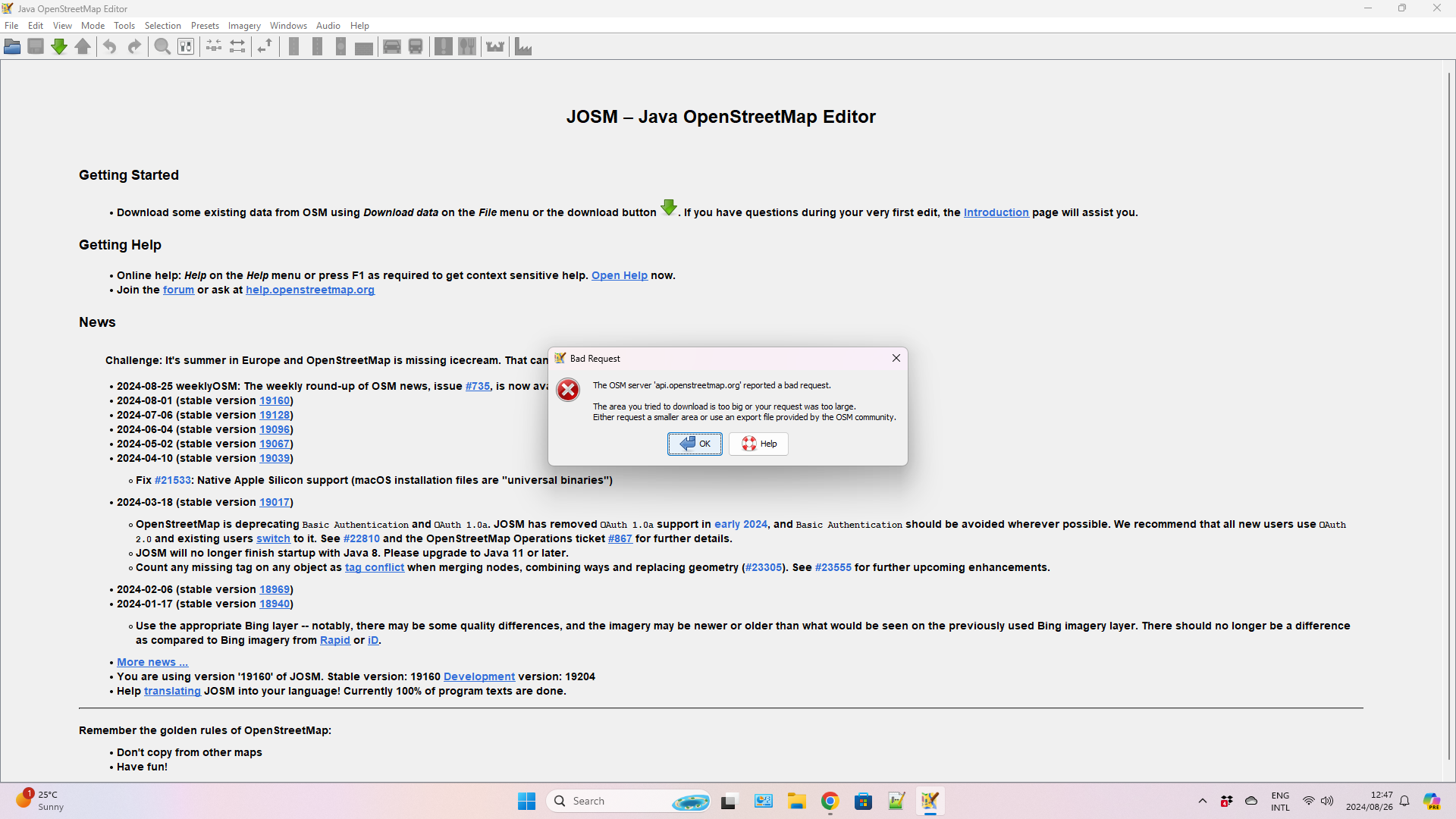
Every time I tried to open the following airport ico code RPLL. i get this error: The OSM server 'api.openstreetmap.org' reported a bad request.
Attachments (3)
Change History (7)
by , 2 years ago
| Attachment: | jsomerror.png added |
|---|
comment:1 by , 2 years ago
comment:2 by , 2 years ago
| Resolution: | → invalid |
|---|---|
| Status: | new → closed |
comment:3 by , 2 years ago
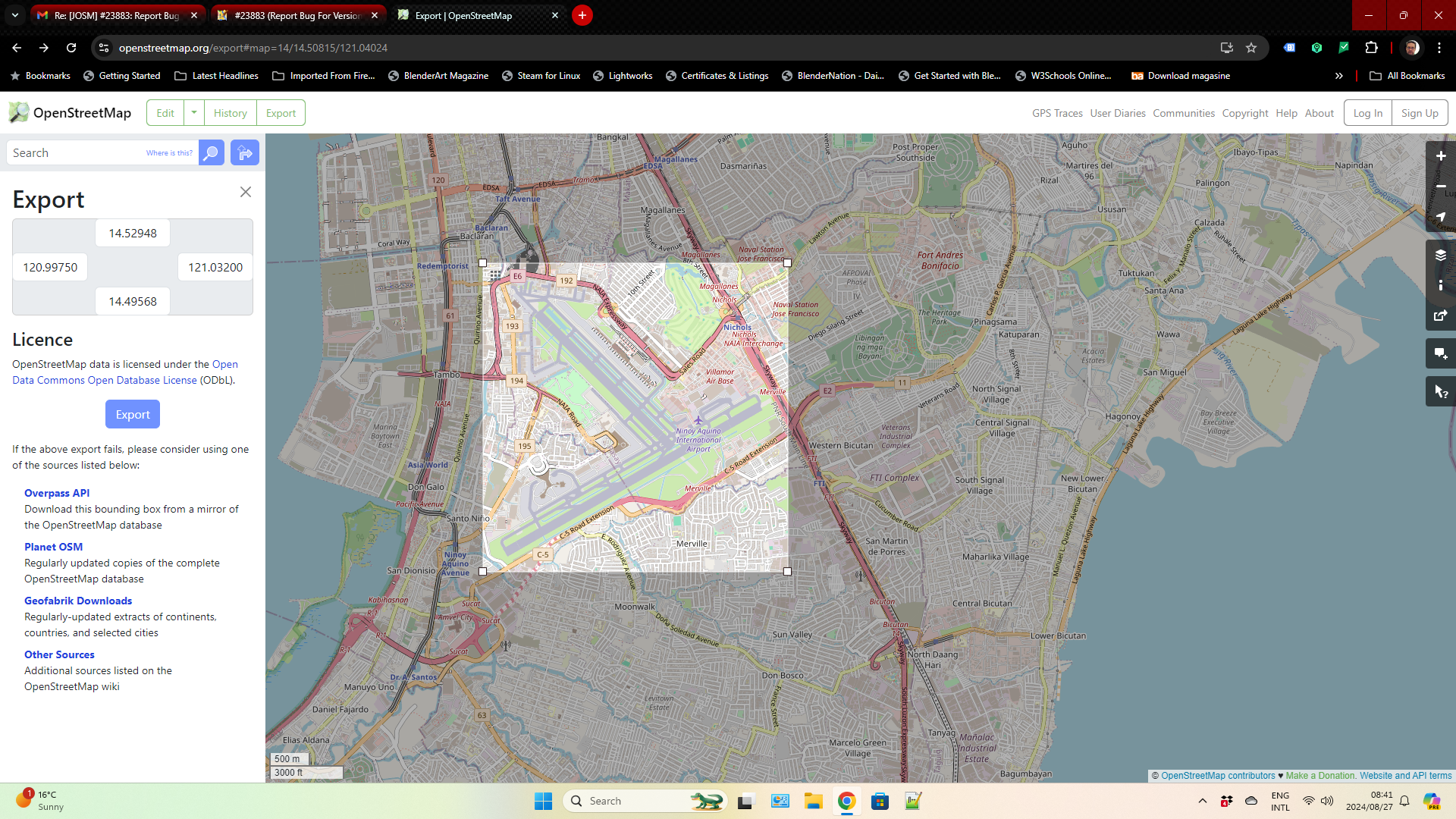
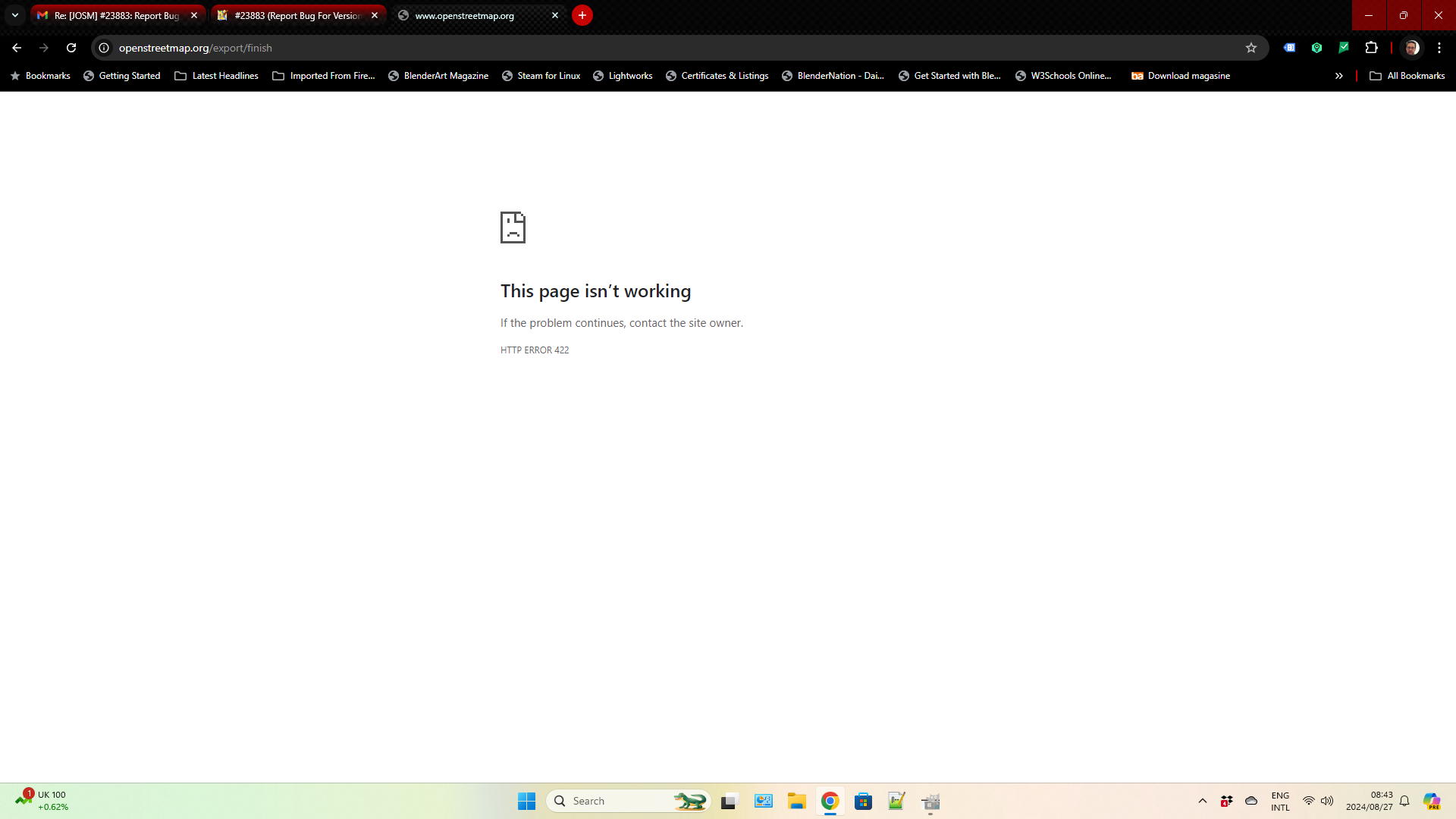
Even if you select a smaller area which is half the size of airport area you still get a error message from OSM (Please see the attached files)
by , 2 years ago
| Attachment: | jsomerror.v1.png added |
|---|
by , 2 years ago
| Attachment: | jsomerror.v2.png added |
|---|
comment:4 by , 2 years ago
Again, you need to download a smaller area. About the size for that airport is osmwww:#map=17/14.501837/121.006722 . That is purely due to the mapping density of the surrounding area.
As noted in attachment:jsomerror.v1.png, "If the above export fails, please consider using one of the sources listed below" which include Overpass (recommended), the full planet, geofabrik (if you don't want to use overpass), and various other sources.
JOSM does have support for overpass downloads. Please ask on a community chat group for help.
We are not going to implement functionality in JOSM core that will enable DDOSing the OSM server. And any functionality which "fixes" this problem will have the potential to DDOS the server.




You have to decrease the size of the download area. Just like it says in the box. If you are using remote control from osm.org, zoom in. If you are manually selecting the area, select a smaller area.