


#22982 closed defect (invalid)
[Possible PATCH] Image sequence sort order is based on file creation time, not time taken.
| Reported by: | cyton | Owned by: | team |
|---|---|---|---|
| Priority: | normal | Milestone: | |
| Component: | Core | Version: | |
| Keywords: | Cc: |
Description
When injecting exif data into an image sequence based on a separate gpx file, the resulting image is shown at the correct gps coordinates, but in wrong order, the time shown is today (now), not when the datetimeoriginal.
The sequence is shown in order of file creation, which "appears random" when looking at it and going to next image. The EXIF time: shown in the top right is not datetimeoriginal, but the time the file was created.
Attachments (2)
Change History (6)
by , 3 years ago
| Attachment: | GS015642_NA_003576.jpg added |
|---|
by , 3 years ago
| Attachment: | GS015642_NA_003577.jpg added |
|---|
comment:1 by , 3 years ago
| Resolution: | → invalid |
|---|---|
| Status: | new → closed |
comment:2 by , 3 years ago
| Summary: | Image sequence sort order is based on file creation time, not time taken. → [Possible PATCH] Image sequence sort order is based on file creation time, not time taken. |
|---|
To clarify, you do the following:
- Take images on the 360 without GPS (or you do, and then use the GPS date/time to correlate with a higher precision track)
- Correlate images to external GPS track (probably from something with a higher precision and accuracy than the built-in GPS)
- The program doing the image correlation modifies the file creation time to be when it wrote the new GPS information
- JOSM loads the files in order based off of the file creation date
If that is the case, then whatever program is doing the image correlation should be setting the file creation time to when the image was taken.
Regardless, we could probably fix this with
-
src/org/openstreetmap/josm/gui/layer/geoimage/ImagesLoader.java
diff --git a/src/org/openstreetmap/josm/gui/layer/geoimage/ImagesLoader.java b/src/org/openstreetmap/josm/gui/layer/geoimage/ImagesLoader.java
a b 5 5 6 6 import java.io.File; 7 7 import java.io.IOException; 8 import java.time.Instant; 8 9 import java.util.ArrayList; 9 10 import java.util.Arrays; 10 11 import java.util.Collection; 12 import java.util.Comparator; 11 13 import java.util.HashSet; 12 14 import java.util.LinkedHashSet; 13 15 import java.util.List; 14 16 import java.util.Map; 17 import java.util.Optional; 15 18 import java.util.Set; 16 19 import java.util.TreeMap; 17 20 import java.util.stream.Collectors; … … 94 97 File parentFile = f.getParentFile(); 95 98 entries.computeIfAbsent(parentFile != null ? parentFile.getName() : "", x -> new ArrayList<>()).add(e); 96 99 } 100 // Sort the images based off of GPS time, if available 101 entries.values().forEach(list -> list.sort(Comparator.comparing(image -> Optional.ofNullable(Utils.firstNonNull( 102 image.getExifGpsInstant(), 103 image.getExifInstant(), 104 image.getGpsInstant(), 105 Optional.ofNullable(image.getFile()).map(File::lastModified).map(Instant::ofEpochMilli).orElse(Instant.EPOCH) 106 )).orElse(Instant.EPOCH)))); 97 107 if (Boolean.TRUE.equals(PROP_ONE_LAYER_PER_FOLDER.get())) { 98 108 entries.entrySet().stream().map(e -> new GeoImageLayer(e.getValue(), gpxLayer, e.getKey())).forEach(layers::add); 99 109 } else {
comment:3 by , 3 years ago
See my german diary entry on how i did this; https://www.openstreetmap.org/user/cyton/diary/401670
But I think I closed this issue as invalid because my script did something wrong or set the wrong thing or not enough of the metadata, in hindsight i should have said here why i closed it. I fixed my script and then closed this.
But sorting by gps time is not a bad idea.
I noticed for images taken with my gopro hero8 black that the time written in the exif metadata is wrong, even the gps time, which sometimes led to one image being out of sequence, as if swapped with the next.
For that i noticed that the time does not follow [0.2. 0.7, 1.2, 1.7...] but instead there somehow is a zero inserted: [0.02, 0.07, 1.02, 1.07...].
That is a problem with the firmware of the gopro.
Nowadays when i do take images its with the max because i much prefer the 360 imagery.
comment:4 by , 3 years ago
I used josm to set the gps offset, and the addon to write the new position to file, but only after i got my script to write the correct time.
Here is said script;
https://gist.github.com/joshinils/2ca6dd75ac6c1093b4d4fd2d60c68145



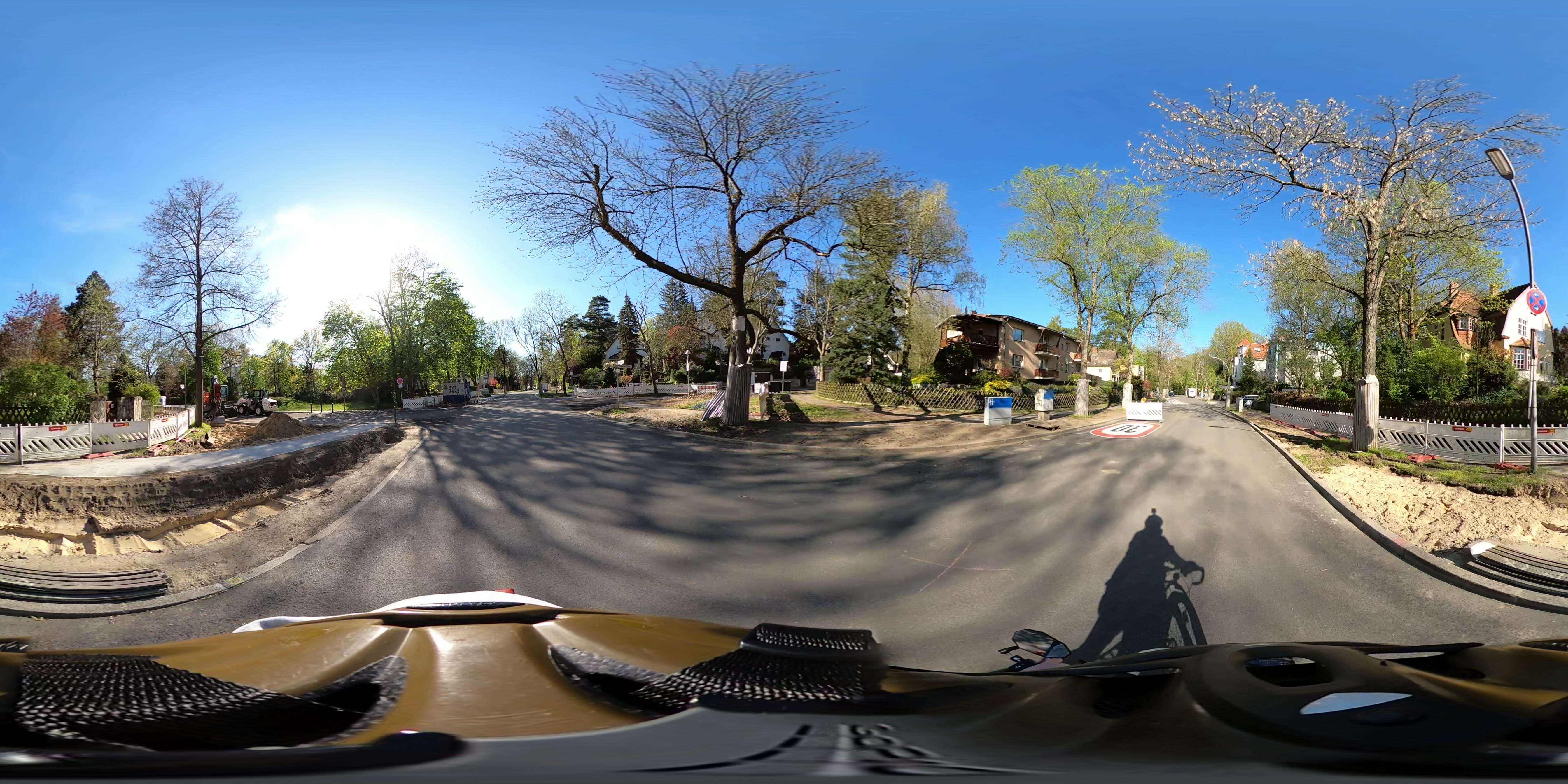
gopro max 360 image with custom gps and custom date taken from gpx file