


Opened 12 years ago
Closed 12 years ago
#10559 closed enhancement (wontfix)
Smart Zoom Out
| Reported by: | baditaflorin | Owned by: | team |
|---|---|---|---|
| Priority: | normal | Milestone: | |
| Component: | Internal mappaint style | Version: | latest |
| Keywords: | power tower pole zoom | Cc: | Klumbumbus, bastiK |
Description
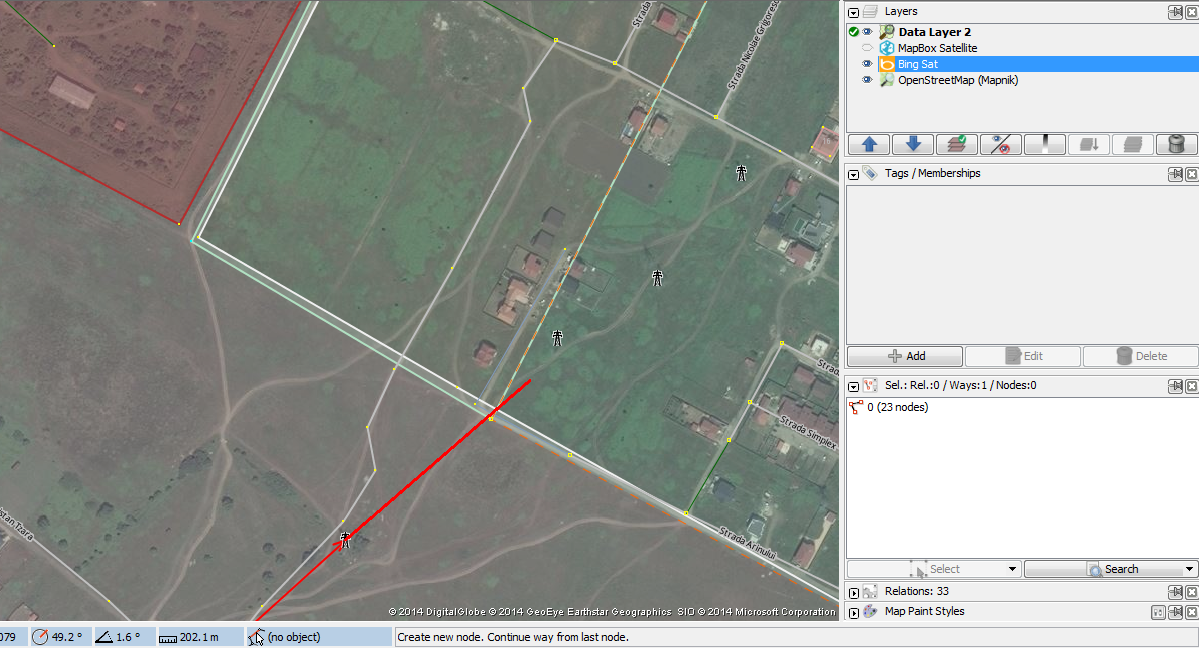
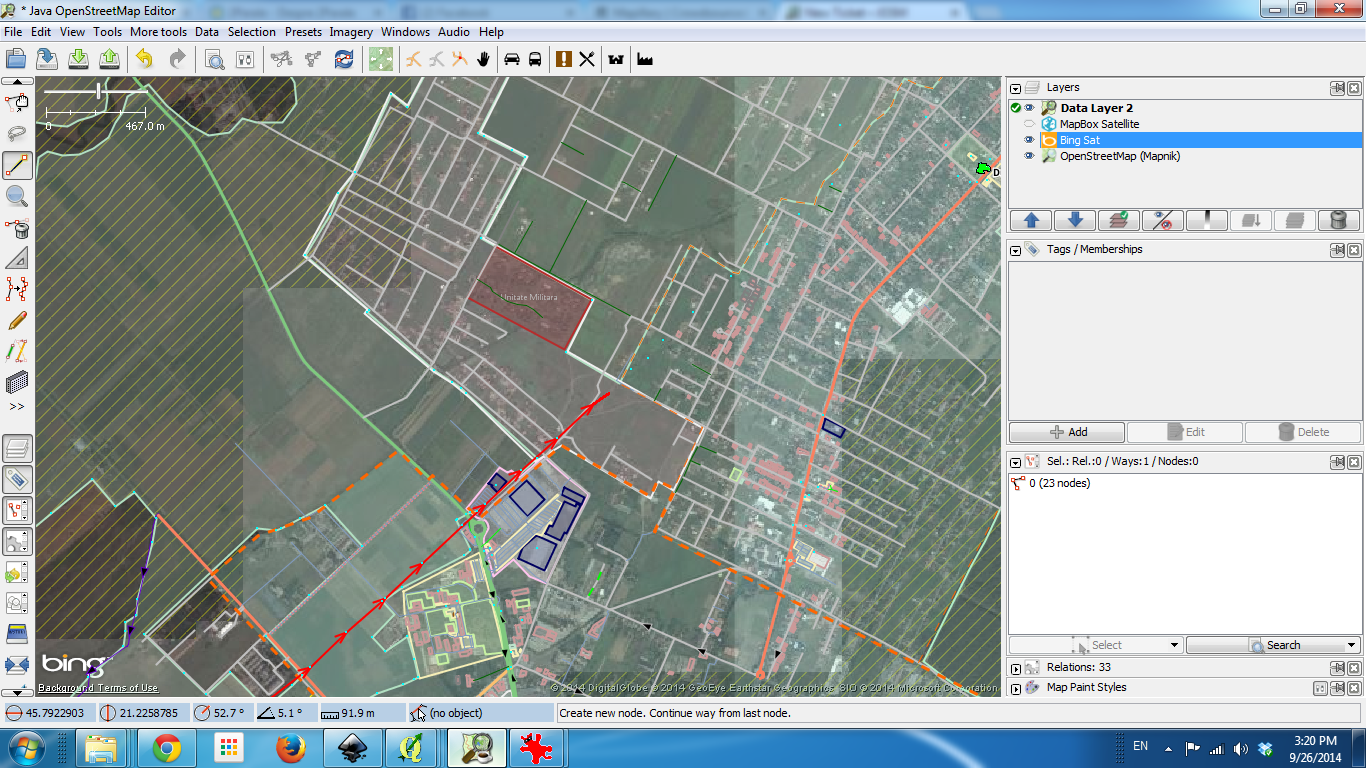
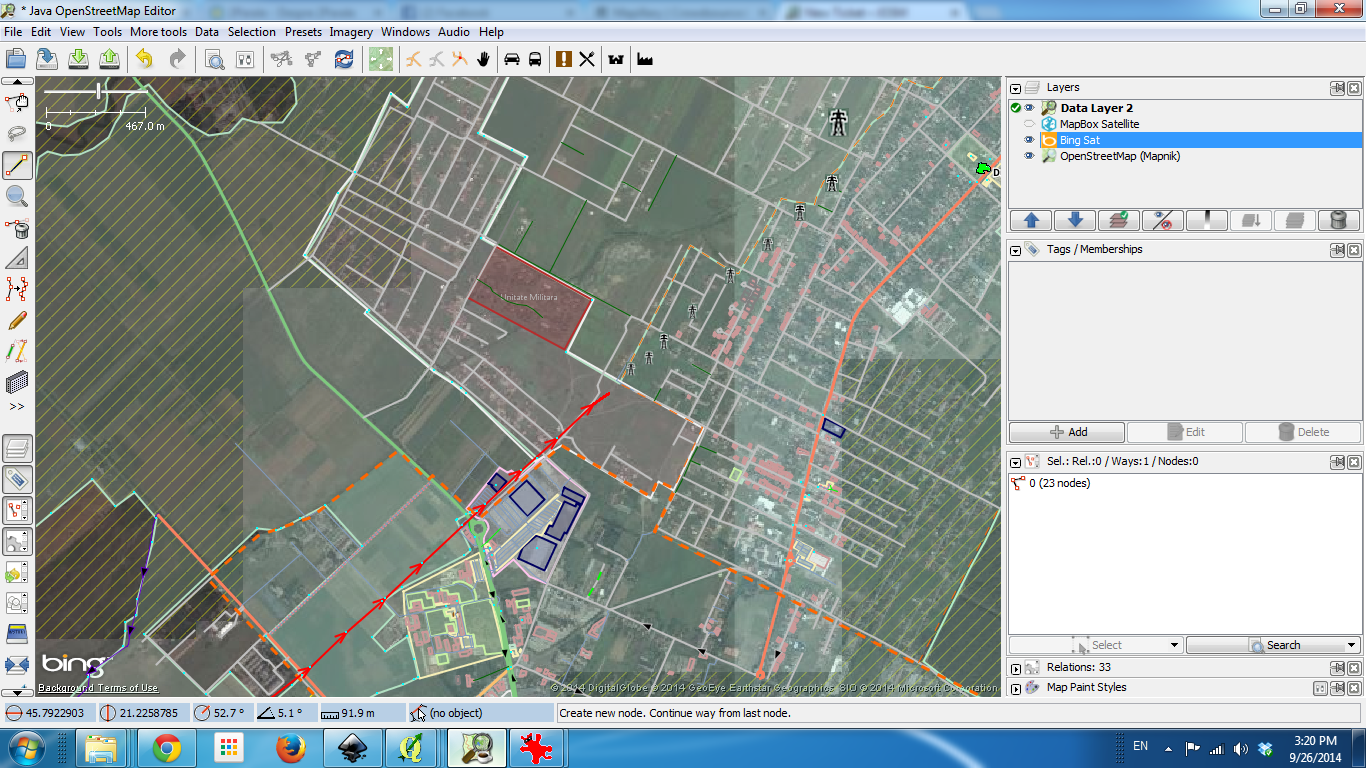
I like the function that when i zoom out, i will only see a dot, and not all the tags.
But i think that we can make this a little more smart, if for example, i am adding power lines, when i zoom out, all the zoom out should do the same, except for the elements that i have selected, and corresponding tags.
If i have a power line that i am expanding, then elements related to power should be visible , even if i zoom out
Attachments (3)
Change History (8)
by , 12 years ago
| Attachment: | zoom in.png added |
|---|
follow-up: 2 comment:1 by , 12 years ago
| Cc: | added |
|---|---|
| Component: | Core → Internal mappaint style |
| Keywords: | power tower pole zoom added |
| Milestone: | → 14.09 |
I agree we should display power towers/poles on lower zoom levels (but without ref/operator text).
comment:2 by , 12 years ago
Replying to Don-vip:
I agree we should display power towers/poles on lower zoom levels (but without ref/operator text).
I'm not sure about this. If we add power towers/poles on lower zoom, then we should also add power=plant, converter, substation, transformer and all the different icons of generator:source= !? Adding more and more exceptions to the zoom levels makes it harder for the mapper to know, if an object (icon) is just hidden or actually not existing. Currently it is pretty clear: place icons and a few peak related icons stay on low zoom, while all other icons disappear at the same zoomlevel. The place and peak icons stay because they are good for orientation. I don't think power poles serve as point for orientation for most mappers. Atleast I can better orientate on a map or in the JOSM map view by e.g. streets than by power lines or towers/poles.
Maybe there will be another mapper who is specialized on mapping rivers and wants to see e.g. weirs at lower zoom. Would we make also an exception for weirs then?
Afterall there is still the style setting to display also icons on low zoom.
Anyway, I'm not the one who decides, so if you want to implement this, I can create the patch. I just need to know, which icons and which zoom levels. I think one more zoom level than the other icons would already be fine for editing power lines. (one zoom level means scrolling 2 segments on the mouse wheel, atleast on my computer.)
comment:3 by , 12 years ago
Agree with Klumbumbus.
I think the original request is more involved: The features related to the selected (or last selected) element should be displayed on the entire map.
This sounds complicated to me and I am unsure how to go about that.
comment:5 by , 12 years ago
| Resolution: | → wontfix |
|---|---|
| Status: | new → closed |
Changed my mind after doing some tests, the current behaviour is fine, and the request too complicated.




zoom in now