| Version 3 (modified by , 15 years ago) ( diff ) |
|---|
Languages:
Parallel way mode
 Keyboard shortcut:
 Shift+P
Make parallel copy of a way while preserving its radian.
Note: You can only select ways in this mode !
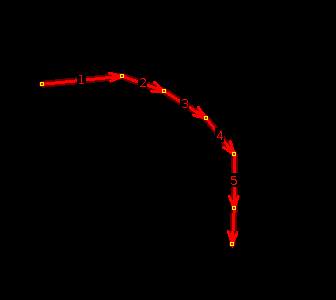
In order to make a parallel copy of a way you need to switch to parallel way mode {Shift+P} and select a way.

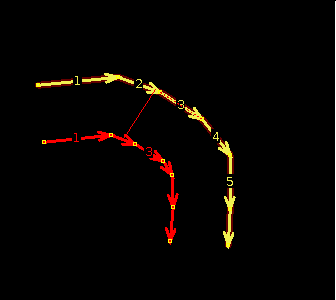
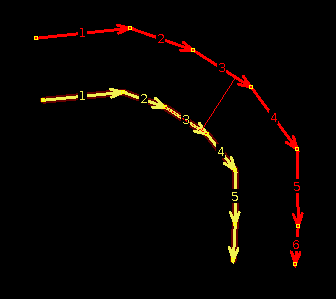
then left click plus drag the mouse to one side

or to the other.

Releasing the mouse button will draw the new parallel way.
Back to Edit Toolbar
Back to Main Help
Attachments (5)
-
ParallelWay_01.png
(1.9 KB
) - added by 15 years ago.
screenshot 1
-
ParallelWay_02.png
(2.9 KB
) - added by 15 years ago.
screenshot 2
-
ParallelWay_03.png
(3.2 KB
) - added by 15 years ago.
screenshot 3
- nested stubs with parallel tool.png (1.0 KB ) - added by 10 years ago.
- nested stubs with parallel tool-2.png (2.9 KB ) - added by 10 years ago.
Download all attachments as: .zip
Note:
See TracWiki
for help on using the wiki.