


#1858 closed defect (wontfix)
osmarender, tiny svg, rendering
| Reported by: | promeneur | Owned by: | framm |
|---|---|---|---|
| Priority: | major | Milestone: | |
| Component: | Plugin osmarender | Version: | tested |
| Keywords: | osmarender | Cc: |
Description (last modified by )
Linux Mandriva 2008.1
Firefox 3.05
josm 1137
osmarender (fixed version for Linux path syntax problem)
when i use osmarender to see my work result
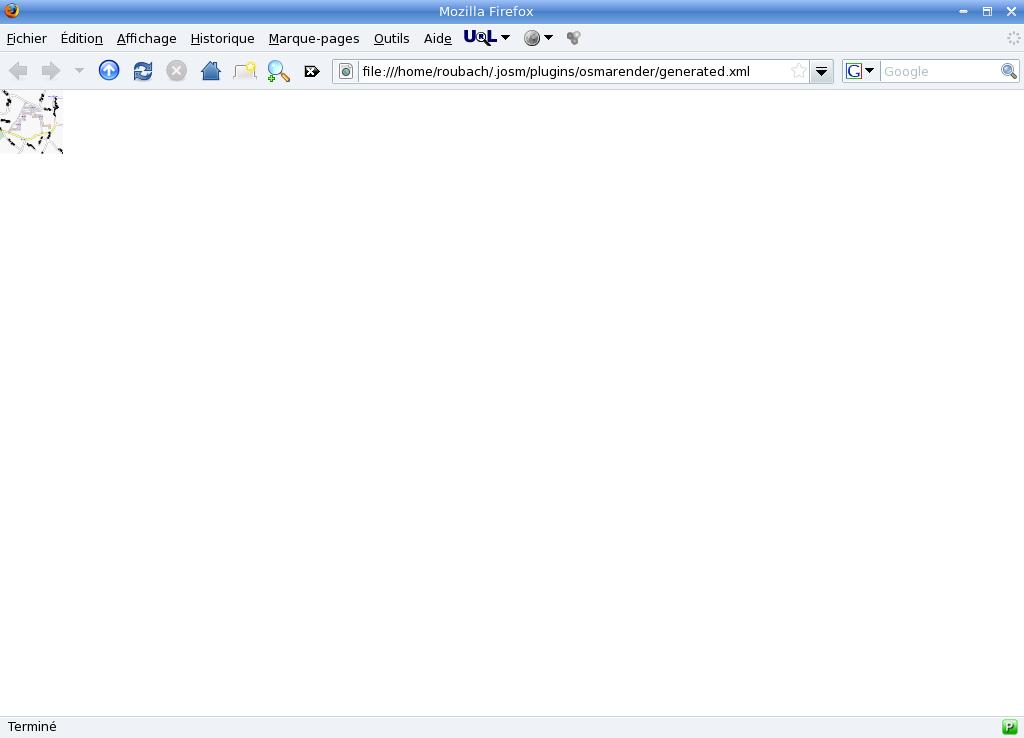
osmarender builds a tiny image
with firefox i can only zoom 8 times then the image is still too small

Attachments (1)
Change History (10)
by , 18 years ago
| Attachment: | osmarendertiny.jpg added |
|---|
comment:1 by , 18 years ago
| Resolution: | → invalid |
|---|---|
| Status: | new → closed |
With the current implementation of the rendering using osmarender one can use the following way to zoom in:
1) Use the osmarender plugin to get the rendered image in firefox.
2) Save the rendered image using the "save as" function in firefox. Give the saved filename the extension .svg because a real svg file is saved.
3) Load this svg image using a svg viewer/editor (e.g. inkscape) to zoom in.
comment:2 by , 18 years ago
ok but this is not a fix
this a workaround and a bad one.
why ?
because when i draw with josm, i often need osmarender to check result of editing.
your workaround is a solution only if you use it one time but for multiple rendering during editing you cannot use your solution.
anyway thank you
comment:3 by , 16 years ago
| Resolution: | invalid |
|---|---|
| Status: | closed → reopened |
This affect me also. The workaround is not really a solution. Pse make the resulting picture bigger
comment:4 by , 15 years ago
| Component: | Plugin → Plugin osmarender |
|---|
comment:5 by , 15 years ago
This workaround doesn't work.
Firefox is unable to open back the saved file.
Inkscape won't open the saved SVG either, saying it's not a valid SVG file, and it's true. It's not a SVG file.
The SVG validator from the W3 consortium says:
An error occured, preventing the validation of the document contained in the /home/_myusername_/generated.svg file:
The current document is unable to create an element of the requested type (namespace: http://www.w3.org/2000/svg, name: rule).
Even after deleting all the "rule" elements, this is only the first of many elements that shouldn't be present in a SVG file.
I had to delete a lot of things and modify others until the resulting file was SVG compliant, and then I was left with a SVG with only definitions on it. The resulting SVG ends and starts with the </defs> tag, meaning that there are only definitions on it (patterns and markers) but no strokes.
comment:6 by , 10 years ago
| Description: | modified (diff) |
|---|
comment:7 by , 7 years ago
| Resolution: | → wontfix |
|---|---|
| Status: | reopened → closed |
No one is longer interested in osmarender, I'm deprecating/archiving the plugin now.

tiny svg