| Version 1 (modified by , 20 years ago) ( diff ) |
|---|
This page will hopefully give you some tips on how to perform common tasks in JOSM.
How to extend a way
Taken from http://lists.openstreetmap.org/pipermail/talk/2006-July/005511.html
This is pretty straightforward in JOSM. If you are not sure about the process then I suggest you find a spare scrap of land and make a short way which you can delete when you are done.
Give this little way a name if you like.
Next create additional nodes and segments to extend this way.
Then click the "select" button and select the way you made plus the adjacent segments you want to make part of the same way.
With the way plus the extra segments selected click the way button.
The prompt will ask if you want to select the underlying segments, click No.
At the next prompt click yes to add the segments to the existing way and then yes again to reorder the sequence of segments.
Hey presto you are done. The revised way will contain the original way plus the new segments and if you named it or added any other attributes the extended way will have those attributes.
Attachments (8)
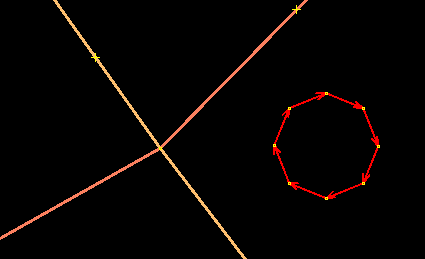
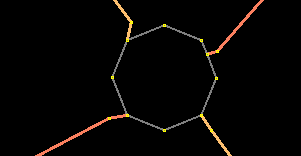
- roundabout1.png (2.5 KB ) - added by 17 years ago.
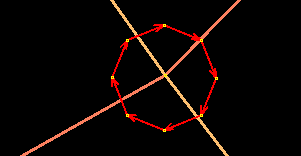
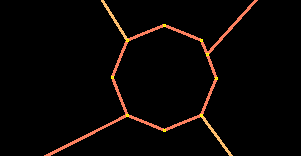
- roundabout2.png (3.0 KB ) - added by 17 years ago.
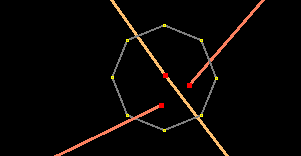
- roundabout3.png (2.1 KB ) - added by 17 years ago.
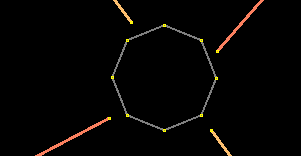
- roundabout4.png (2.0 KB ) - added by 17 years ago.
- roundabout5.png (1.9 KB ) - added by 17 years ago.
- roundabout6.png (1.4 KB ) - added by 17 years ago.
- roundabout7.png (1.6 KB ) - added by 17 years ago.
- roundabout8.png (1.6 KB ) - added by 17 years ago.
Download all attachments as: .zip