| Version 5 (modified by , 18 years ago) ( diff ) |
|---|
Back to Main Help
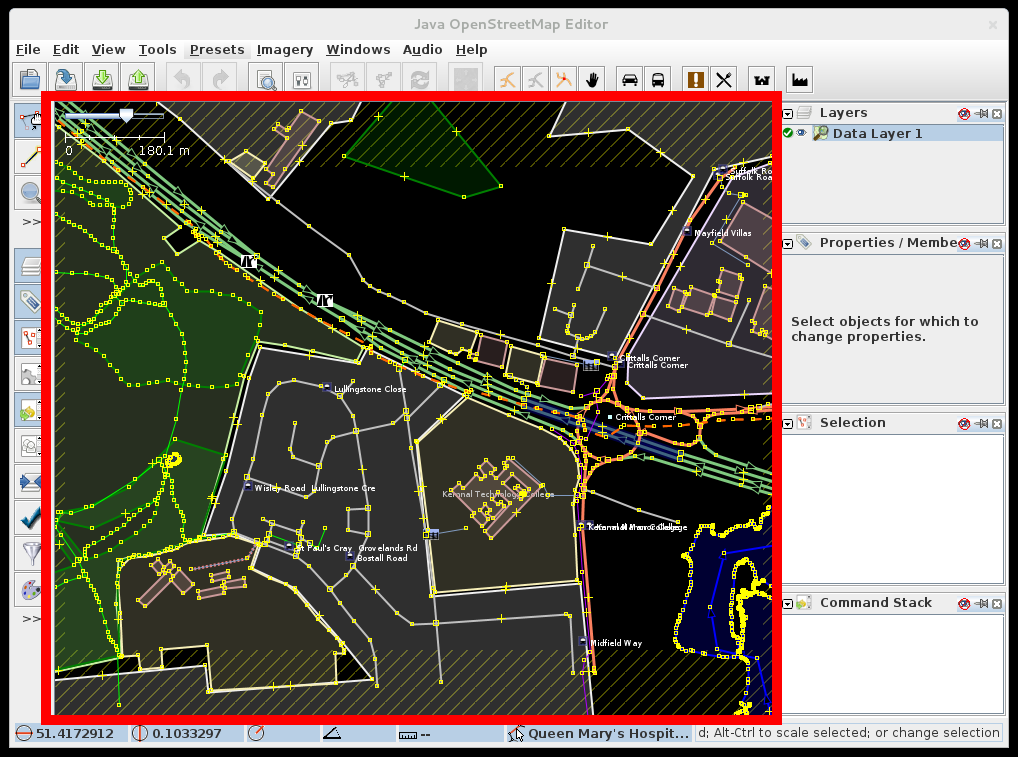
Map View
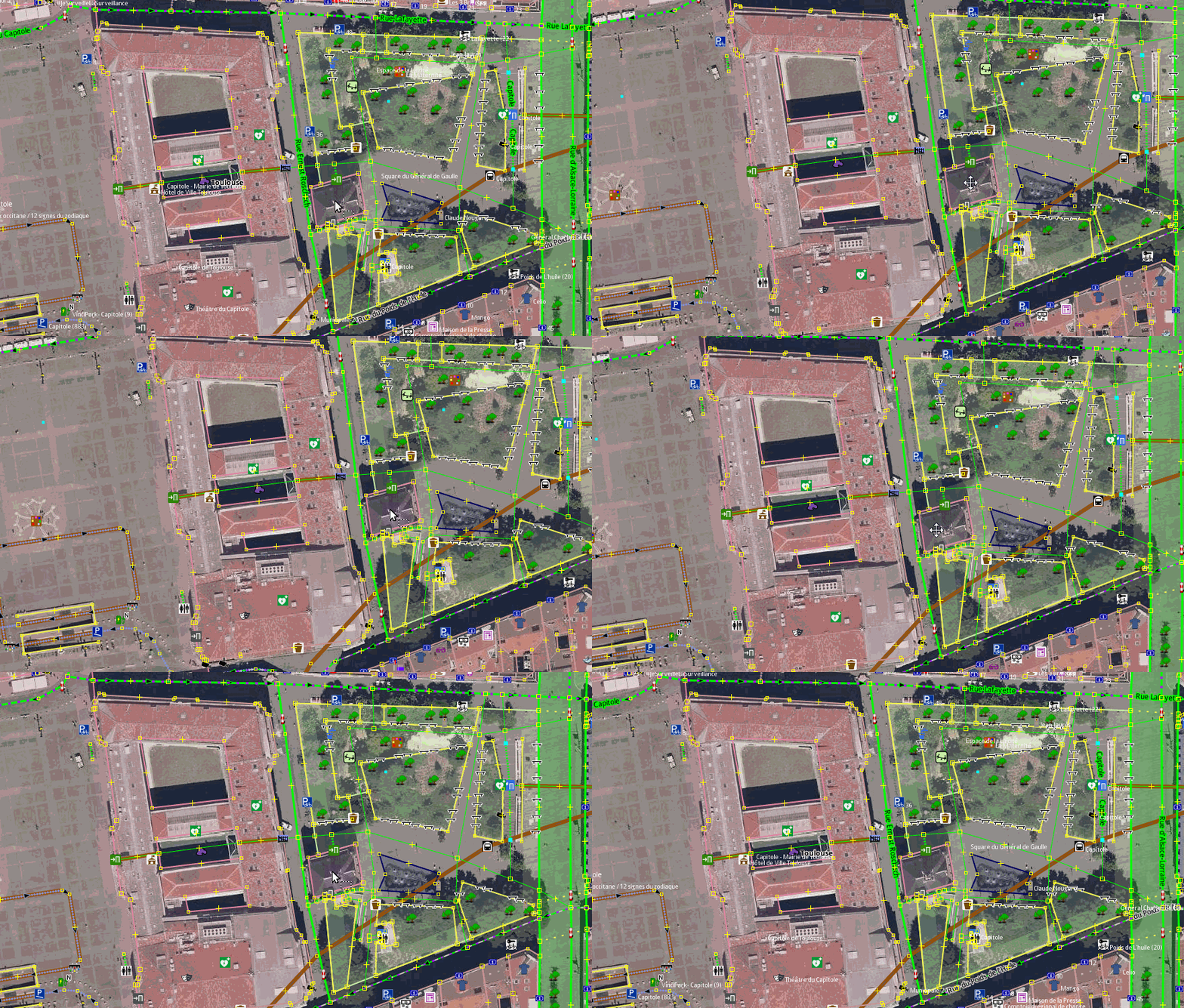
This is the main view in JOSM, where editing takes place, and Landsat and other images are displayed.
The area displayed in the window can be moved by holding down the right mouse button, and dragging the mouse. On mac with one-button mouse, simulate right-click by holding down ctrl while clicking the button Back to Main Help
Attachments (3)
-
MapView.png
(249.1 KB
) - added by 14 years ago.
screenshot
- MapView2.png (191.6 KB ) - added by 12 years ago.
- labels_hiding.gif (4.2 MB ) - added by 8 years ago.
Note:
See TracWiki
for help on using the wiki.