


Opened 7 years ago
Last modified 7 years ago
#18036 closed defect
wiki: font size of "Korean" too big — at Version 4
| Reported by: | skyper | Owned by: | stoecker |
|---|---|---|---|
| Priority: | normal | Milestone: | |
| Component: | Trac | Version: | |
| Keywords: | language font size | Cc: |
Description (last modified by )
- Go to a wiki page with Korean translation like Introduction.
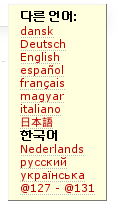
- Have a look at the language menu at the top right corner.
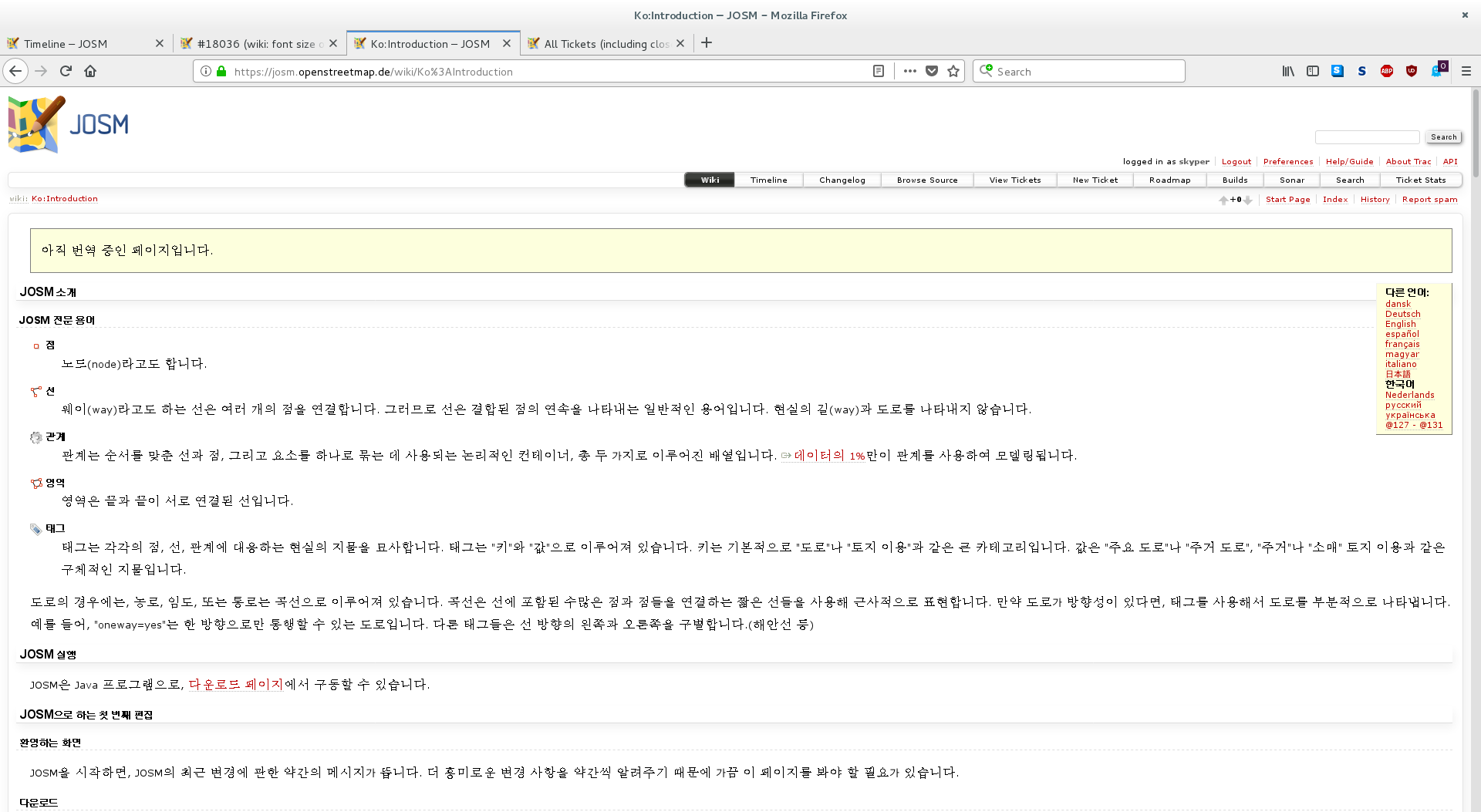
All language names have the same font size except Korean. If you choose Korean the size changes to normal only to turn bigger again once you choose a different language.
language menu:


complete page:

Change History (7)
comment:1 by , 7 years ago
| Keywords: | name removed |
|---|---|
| Summary: | wiki language menu: font size of "Korean" too big → wiki: font size of "Korean" too big |
follow-up: 4 comment:3 by , 7 years ago
Same for me. I'd say this is a font setup issue on your side.
by , 7 years ago
| Attachment: | Introduction_ko_screenshot.png added |
|---|
screen shot Introduction in Korean
comment:4 by , 7 years ago
| Description: | modified (diff) |
|---|
Replying to stoecker:
Same for me. I'd say this is a font setup issue on your side.
Probably, Chromium Webbrowser does not render any Korean symbols. With Firefox bold is fine in size but hard to read while "normal" is nice to read but to big in size.
Did attach some screen shots.
Note:
See TracTickets
for help on using tickets.


Oh diffs are also effected. See StartupPageSource