Opened 8 years ago
Last modified 6 years ago
#16307 closed defect
Unable to retrieve wms layer list — at Initial Version
| Reported by: | sano | Owned by: | team |
|---|---|---|---|
| Priority: | normal | Milestone: | 18.05 |
| Component: | Core imagery | Version: | latest |
| Keywords: | wms https ssl tls certificate security | Cc: |
Description
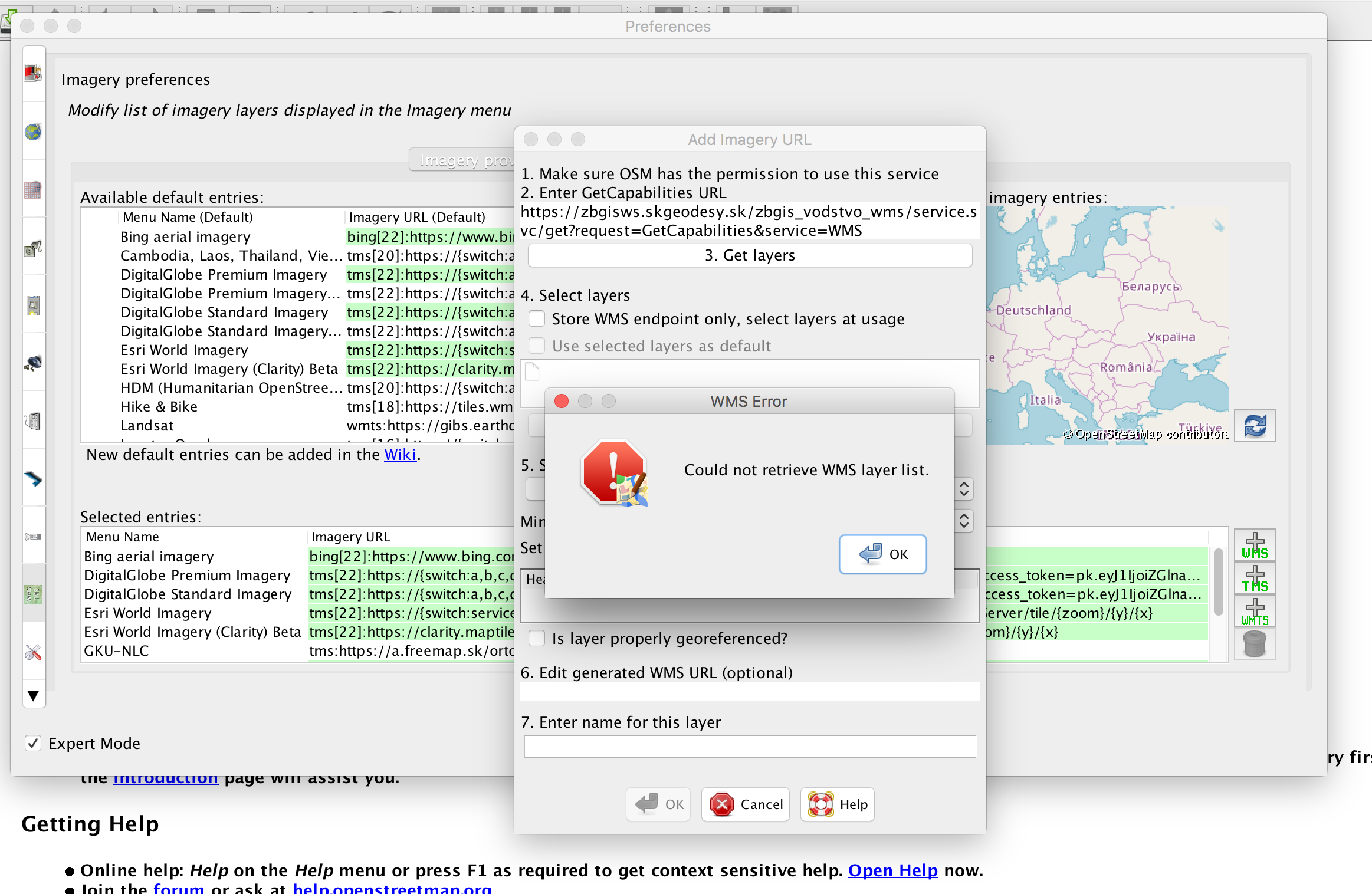
When trying to add imagery URL for WMS service https://zbgisws.skgeodesy.sk/zbgis_vodstvo_wms/service.svc/get?request=GetCapabilities&service=WMS I get "Could not retrieve WMS layer list" notification.
When testing the same URL in a browser the capabilities XML is returned.
Steps to reproduce:
- Open Preferences
- SCroll down to Imagery preferences section
- Clisk the WMS icon in the Selected entries section
- Provide the WMS URL into the "GetCapabilities URL" field
- Click "Get layers" button
I tried this with the latest dev version 13821 as well as with the production version.
Note:
See TracTickets
for help on using tickets.